































Make your product data perform everywhere.
Connect your catalog once. GoDataFeed optimizes, enriches, validates, and keeps your product data in sync across Google, Meta, marketplaces, and AI shopping. Use the platform yourself — or let our feed experts manage it for you.
50M+ SKUs processed daily200+ integrationsPowering product feeds since 2007



Trusted by retail and ecommerce teams syndicating catalogs at scale




One platform for the whole pipeline.
 Google Shopping
 Shopify
 AI title optimization
 Amazon
 Error prevention
 Meta
Meta BigCommerce
 The AI Shelf
 TikTok Shop
 Feed monitoring
 Walmart
 AI categorization
 WooCommerce
 Microsoft Ads
 Rules engine
 Pinterest
 Adobe Commerce
 Feed audits
.svg) eBay
eBay Order sync
 Wix
Wix Feed optimization
 Criteo
 Salesforce CC
 Custom labels
.svg) Snapchat
Snapchat Inventory sync
 Houzz
Houzz NetSuite
 Disapproval alerts
 ChatGPT
 Square
 Impact
 API access
 Volusion
.svg) Newegg
Newegg Managed service
 Google Local
 Perplexity
 AdRoll
 Reddit Ads
 Bazaarvoice
Wherever your products need to be.
The integrations directory lists what you can connect yourself. It is deliberately shorter than the total: many integrations are custom, invitation-only, or enterprise-configured, and we connect those for merchants who already hold access. If you don't see a destination listed, ask — it likely exists.
Even if your product is the right fit, your feed has to say so.
Shoppers now ask AI what to buy the way they’d ask a friend, down to the details that matter: who it’s for, how they’ll use it, what they want to spend. GoDataFeed enriches every feed using the details you already have, so AI finds the right answer. Your product.
The AI still picks. Give it a reason to pick yours. Start your free 14-day trial
Two ways to run it
Self-serve, or let us drive.
Same platform, same data quality. Pick the level of hands-on you want - and switch later without re-platforming.
Self-serve
Your team, in control
Full access to mappings, rules, and channels. Preview a change on sample SKUs, then push it on your schedule. No ticket, no queue.

In-app editing for every product
200+ integrations, ad channels on every plan
Validation & alerts built in
Managed
Our specialists, your wheel
A dedicated feed team runs day-to-day operations while you keep full visibility and the keys to your data.

Dedicated feed specialist
Proactive monitoring & cleanup
You still own and export everything
Onto every destination, in the right shape.
One catalog, every channel's spec
Connect the system that already holds your products. GoDataFeed reads it as-is and builds a destination-ready feed for each channel from that single source — no duplicate catalog, no export-and-massage cycle.
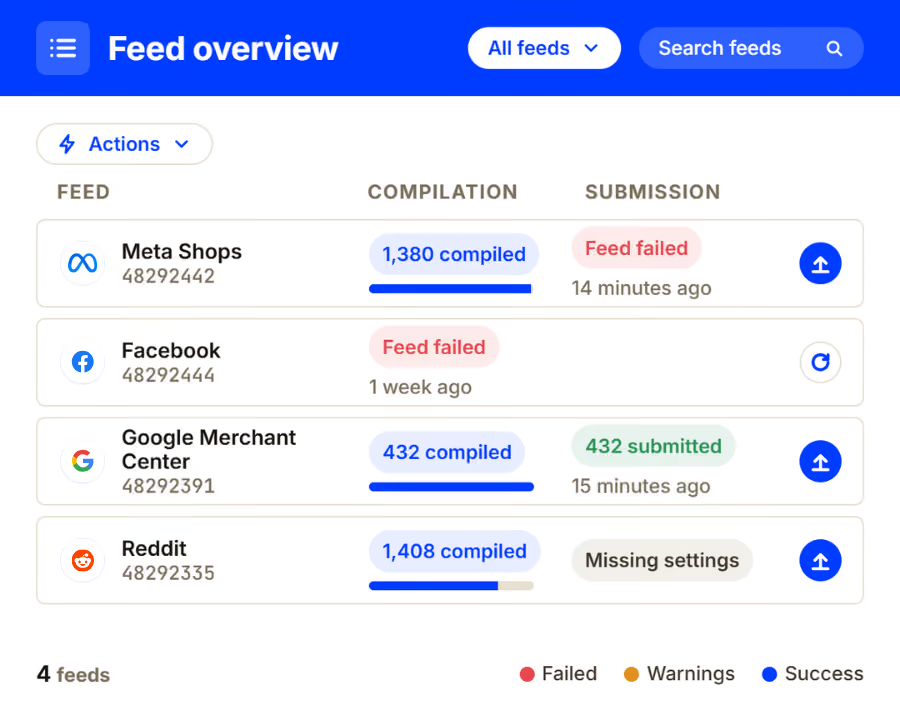
Category mapping that holds up
Every channel has its own taxonomy and its own opinion about where your product belongs. Map your categories once per destination; new products inherit the mapping the moment they arrive.
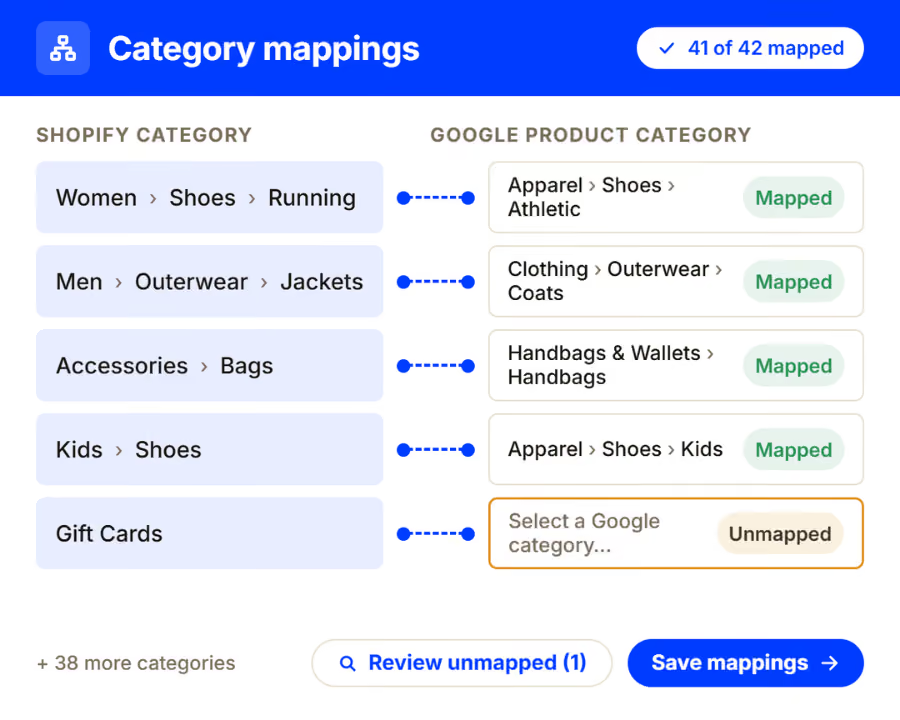
Variants rebuilt, not flattened
Size, colour, and fit models differ channel to channel. Parent and child structure is rebuilt per destination so a variant reads as a variant — not as six unrelated products competing with each other.
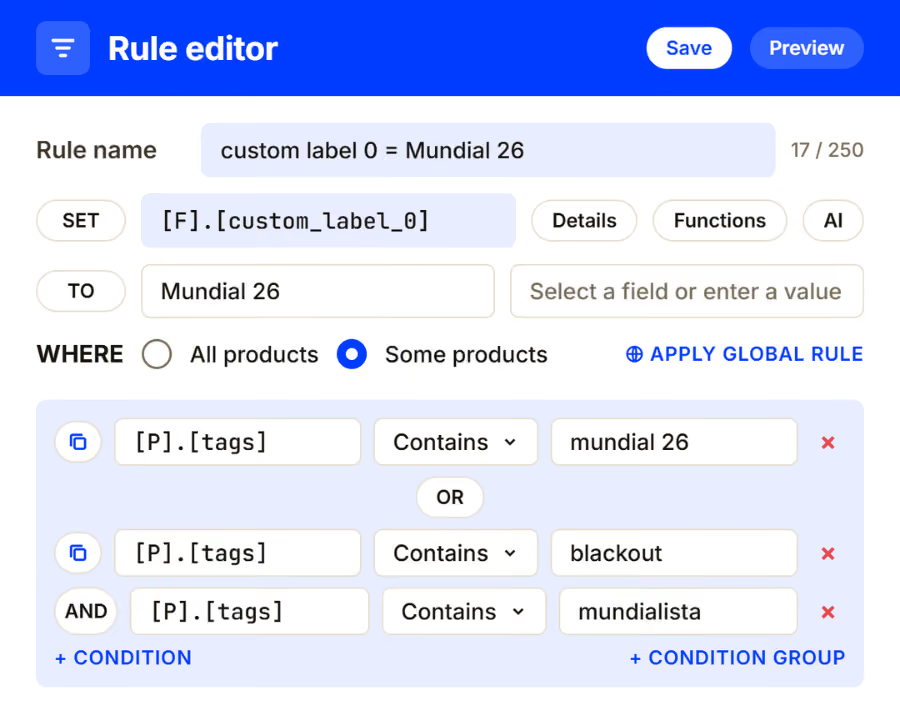
Current is a state you maintain, not a job you finish.
Spec changes absorbed before they cost you
When a channel revises its requirements, the feed adapts to the new spec on the next publish. You find out from a changelog, not from a drop in traffic.
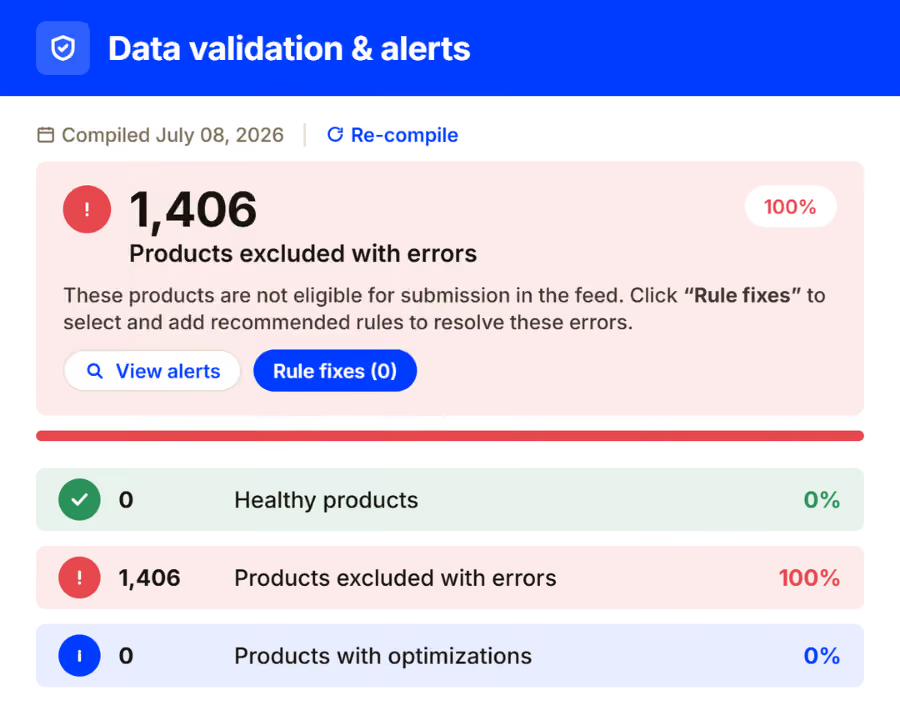
Validation against the live spec
Errors surface before publish, checked against what the channel requires today. Fix the rule once and every affected product clears — instead of working a disapproval queue product by product.
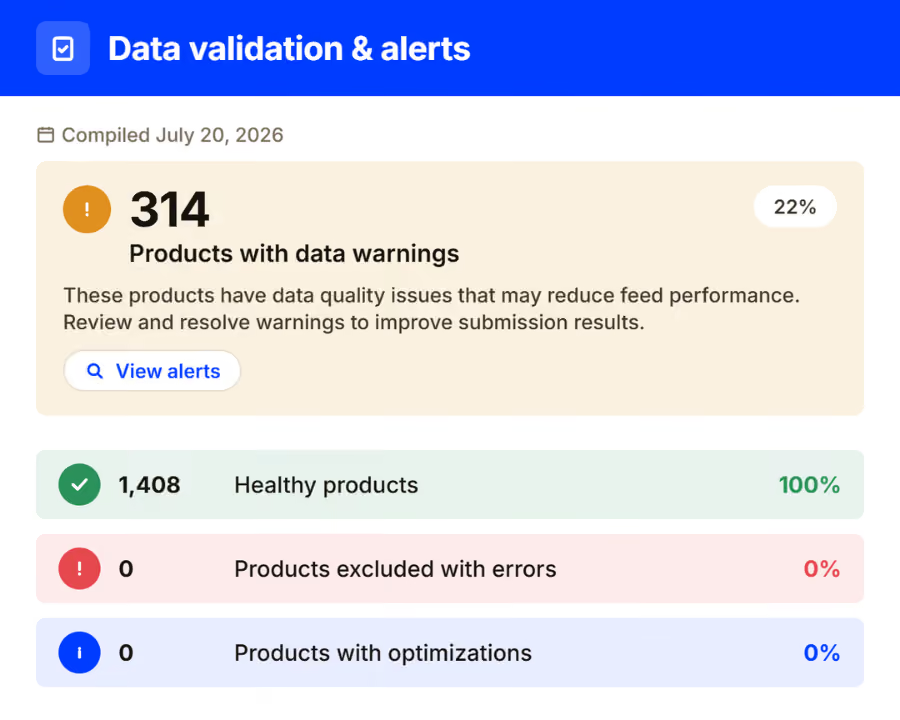
Inventory and price that keep up
Stock and pricing move on the schedule you set, per destination. Sold-out products come down and restocks go back up without anyone remembering to push them.
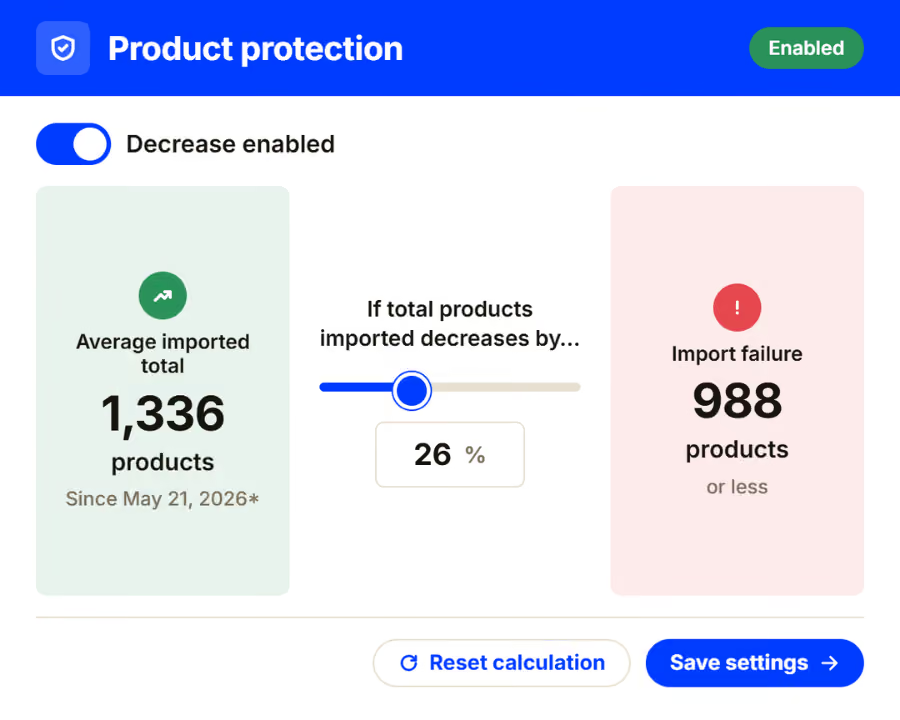
Know which products earn their place.
Performance next to the product data
Channel results read against the catalog they came from, so a weak performer can be traced to the attribute that held it back rather than written off as a weak product.
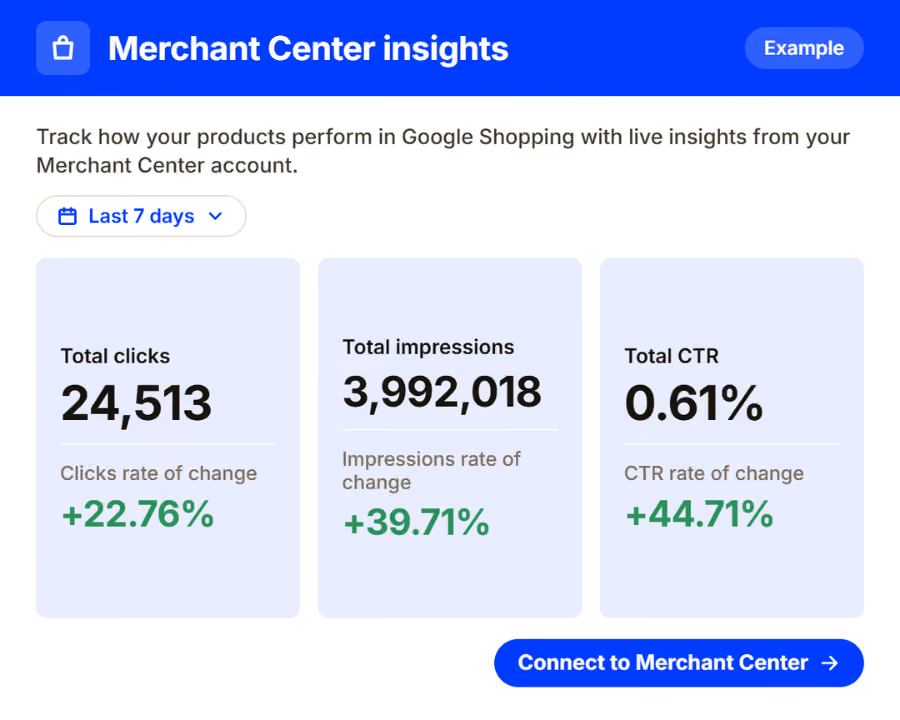
One view across every destination
Feed health, publish status, and open issues for the whole account on one screen — instead of six channel dashboards and a spreadsheet holding them together.
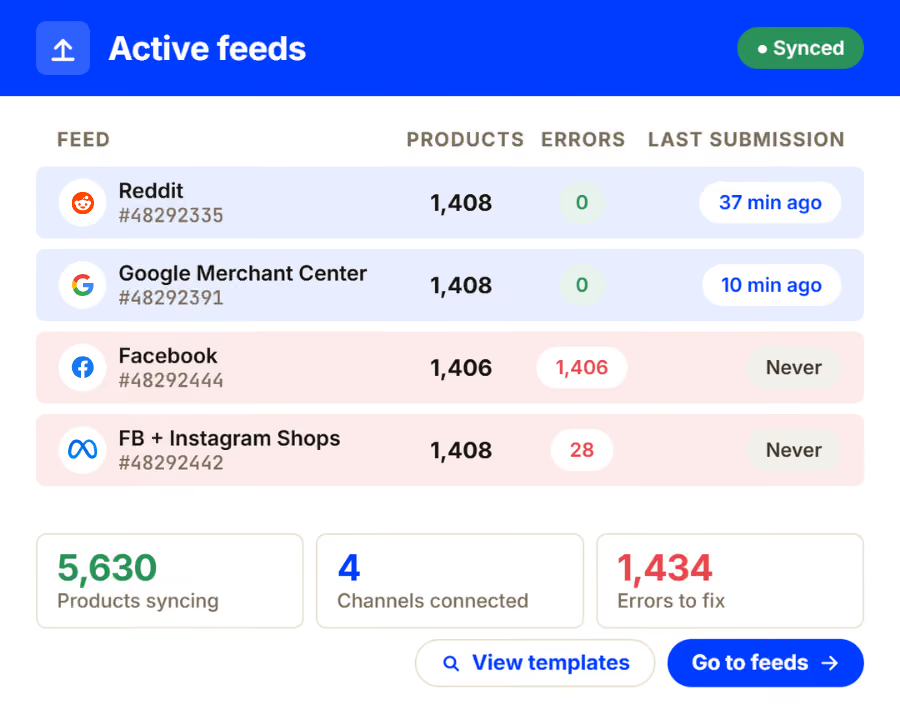
Three moves, then it runs itself.
Connect the source
Store platform, ERP, PIM, supplier file — whatever holds the truth about your products. Read-only, no migration.
Shape it per destination
Rules, mappings, and category logic per channel. Set them once; they apply to every product that arrives after.
Publish and keep publishing
Changes flow out on a schedule you set. When a spec shifts, the feed adapts instead of failing.
Results, in their words.
Teams who had the same problem, and what changed after they fixed the feed rather than the catalog.
Best Wheels Online
We wanted to create a bigger presence in the market and reach more customers online. Now we’re proud to be the #2 Seller of Tires & Wheels in the U.S. on Walmart’s Marketplace.
Bryan Montalbano
President · Automotive Parts & Accessories Retailer
Read the story →
Conversion Giant
We manage forty client feeds on templates now. Onboarding a new client went from two weeks to two days.
Peter Dulay
Head of Retail Media · performance agency
Read the story →
Brick & Mortar Shop
↗
+42%
Growth month-over-month in pickup orders
International Brand
↗
40 feeds
managed by one team on shared rule templates
Specialized Grocer
↗
99.2%
listing eligibility, up from 61% at first audit
PPC Agency
↗
6 hrs/wk
of manual feed edits eliminated per channel manager
figures and quotations are from real customers/results
See it run on your actual catalog.
Thirty minutes, your data, real destinations. Leave with a mapped feed and a plan — whether or not you sign.
The things teams ask before they start.
Do we have to move our product data?
No. GoDataFeed reads the system that already holds your catalog — store platform, ERP, PIM, or supplier file — and leaves it where it is. The connection is read-only and there is no migration step.
How long does it take to get a channel live?
It depends on how clean the source data is and how many rules the destination needs. Simple destinations go live quickly; a channel with strict category and variant requirements takes longer because the mapping is the work. A demo on your own catalog is the fastest way to get a real estimate.
What happens when a channel changes its requirements?
The current spec per destination is tracked on our side. When it changes, your data is reshaped to match it on the next publish and the change is recorded — so the first sign of a spec revision is a changelog entry, not a disapproval.
Can you handle variants properly?
Yes, and it is one of the main reasons teams move. Parent and child structure is rebuilt to each channel's own model rather than flattened, so variants read as variants on the destination instead of competing with each other.
We don't see our marketplace in your integrations list. Can you still connect it?
Probably. The directory shows what you can connect yourself. A large share of integrations are custom, invitation-only, or enterprise-configured, and we connect those for merchants who already hold access. Ask and we'll tell you where yours stands.
Who does the setup — us or you?
Either. Teams who want to own their rules configure everything themselves; teams who would rather hand it over have it mapped for them. Most start with help on the first destinations and take over from there.
We watch for changes so you don't have to.
Spec revisions, new destinations, and the requirements that quietly moved — written up as they happen.
