




















































Platform / Features /
Rules engine
Feature · Optimize & transform
Across the whole catalog.
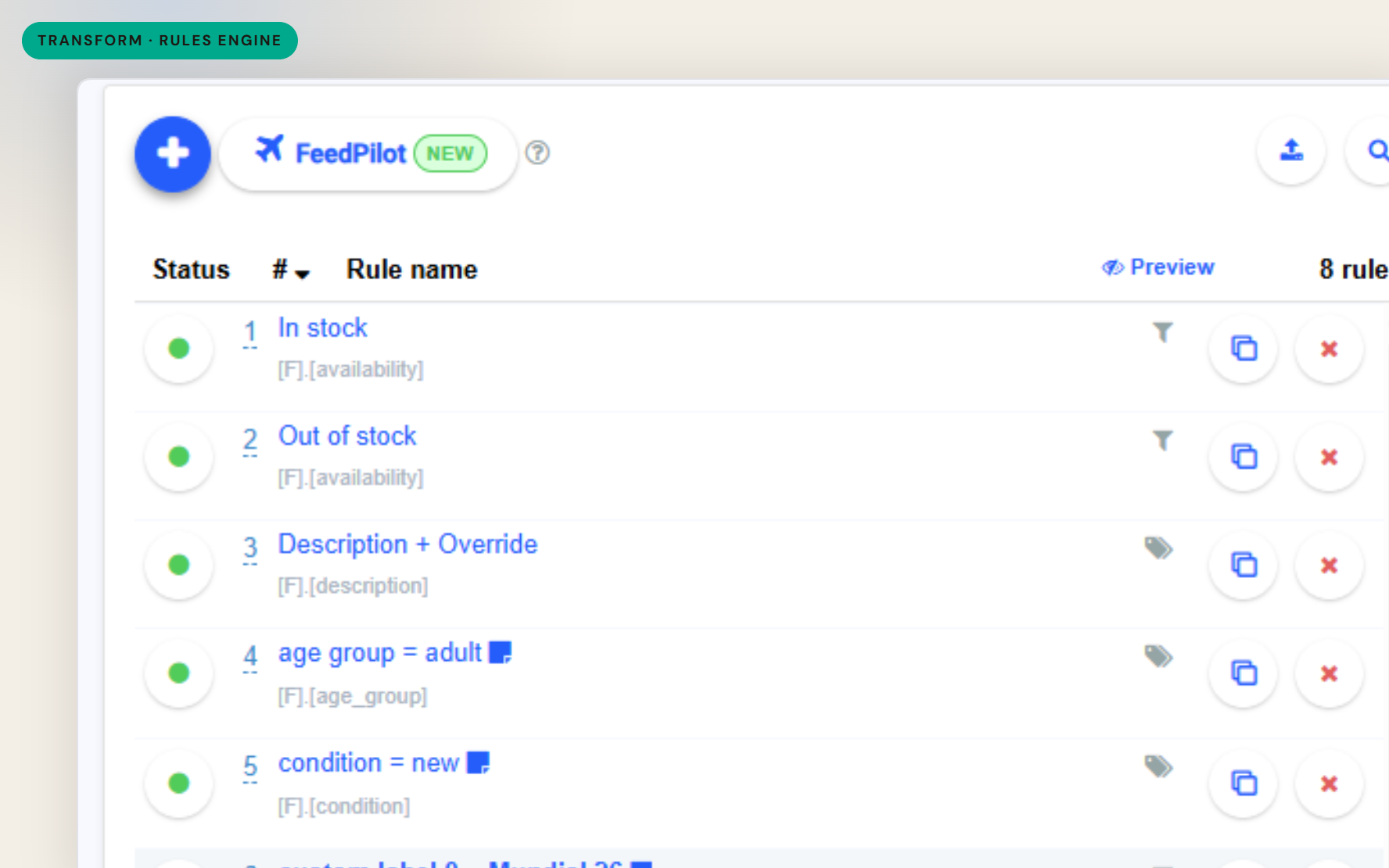
Feed rules apply conditional transforms to every matching SKU - write the fix once, preview what changes, and let it run on every import after that.
The difference
Without GoDataFeed
With GoDataFeed
How it works
If/then transforms with preview - see affected SKUs before you commit.
Benefits
Catalog-scale fixes stop being manual labor.
Rules re-apply on every import - corrections survive data refreshes.
The transformation is written down, not trapped in someone's habits.
Channel requirement changes become rule edits.
Every matching product gets the same treatment.
Remove the guesswork of remembering which rows were fixed.
Capabilities
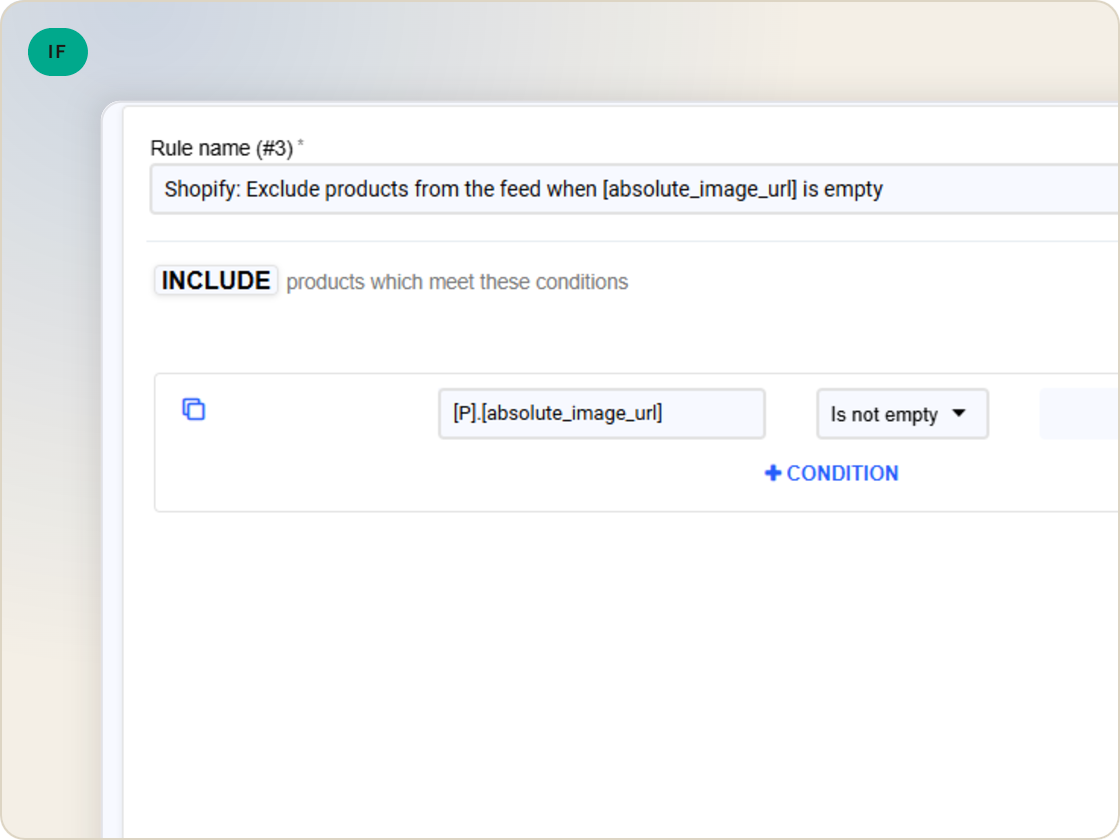
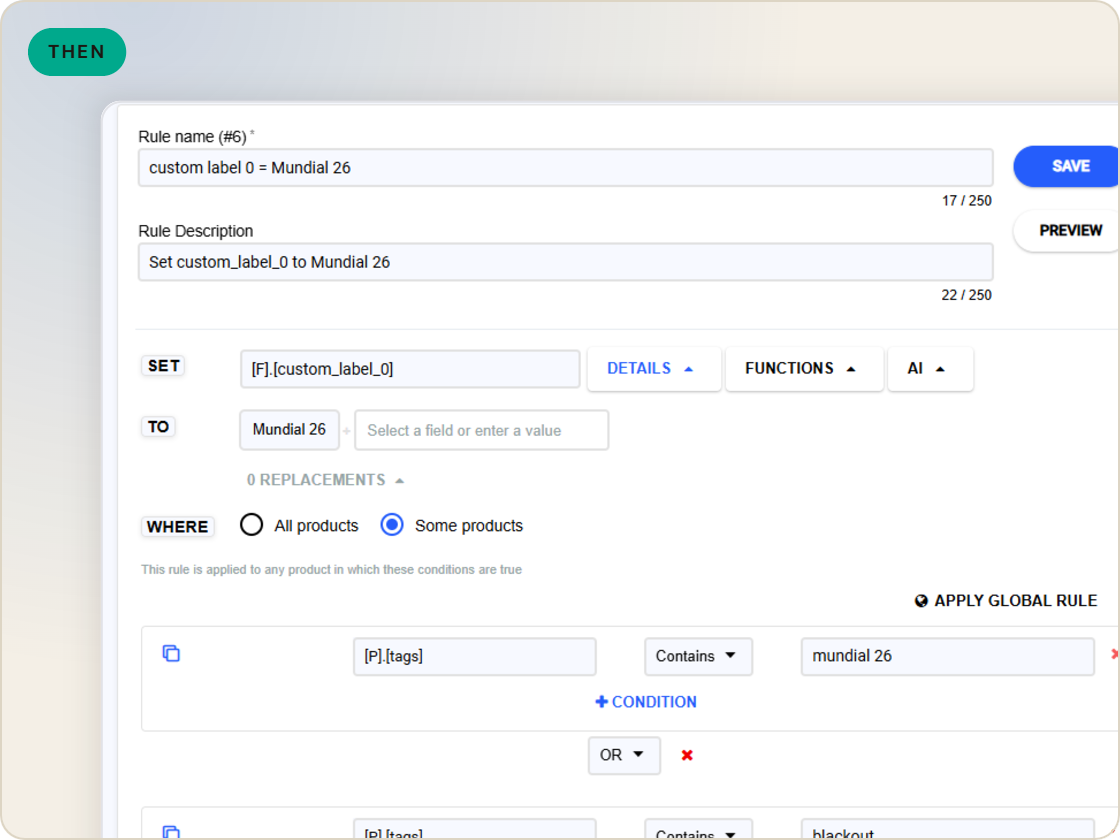
If a field matches a condition, transform it - set, replace, append, combine. The rule reads any field in the catalog and writes the change everywhere it applies.
Rules run against every matching SKU on every compile. A fix written once holds across the catalog as products come and go.
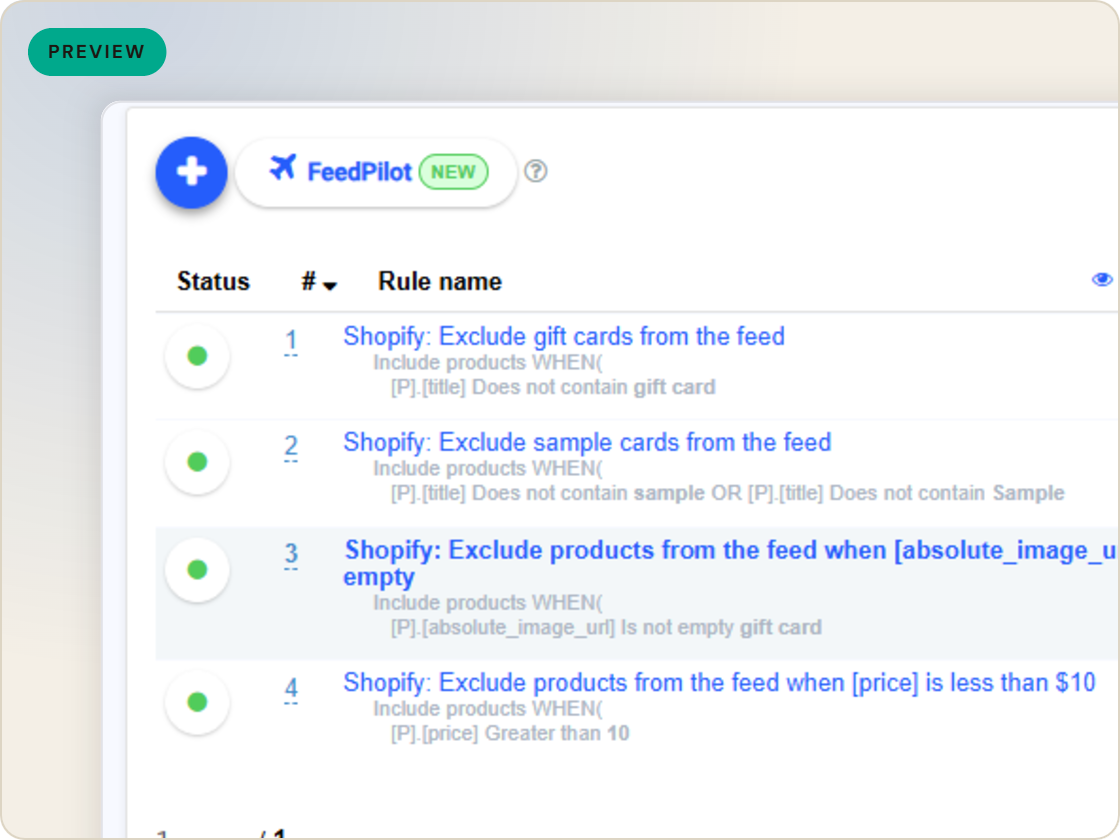
Compile the feed and review the result before it ships - see the transformed data, not a promise about it.
Feature · Optimize & transform
Apply if/then transforms across every matching SKU - write the fix once, preview the compiled result, and let it re-run on every import.
Rules engine
of six.
Fix attributes once, at catalog scale.
1
Ingest the catalog whole, variants intact.
2
Fix attributes once, at catalog scale.
3
Maintained mappings for 200+ integrations, current when specs drift.
4
Catch errors before they ship, while they're free.
5
Push validated feeds on schedule, price and stock current.
6
Read every channel' feed's verdict back on one screen.
Questions
Any field the feed carries - titles, descriptions, categories, prices, custom labels, image fields. If it's in the feed, a rule can transform it.
On every feed compile. As the catalog changes, the rules keep applying, so fixes don't decay.
Yes - compile and review the feed output before submission, and check the affected products in the feed products table.
Start a 14-day trial or book a demo — we'll audit your feed free and show you your diagnostics baseline.
Also in the box
needs.
Eligibility drops and sync failures to email or Slack, thresholds yours.
Every published version diffable — what changed, when, by which rule.
The same rulebook checks, run before publishing instead of after.
Each channel error mapped to its fix, linked from the row.
Weekly eligibility digest per store, for the people who don't log in.
Diagnostics data in your own BI, if that's where your team lives.
