




















































Platform / Features /
Feed history
Feature · Validate & monitor
Receipts attached.
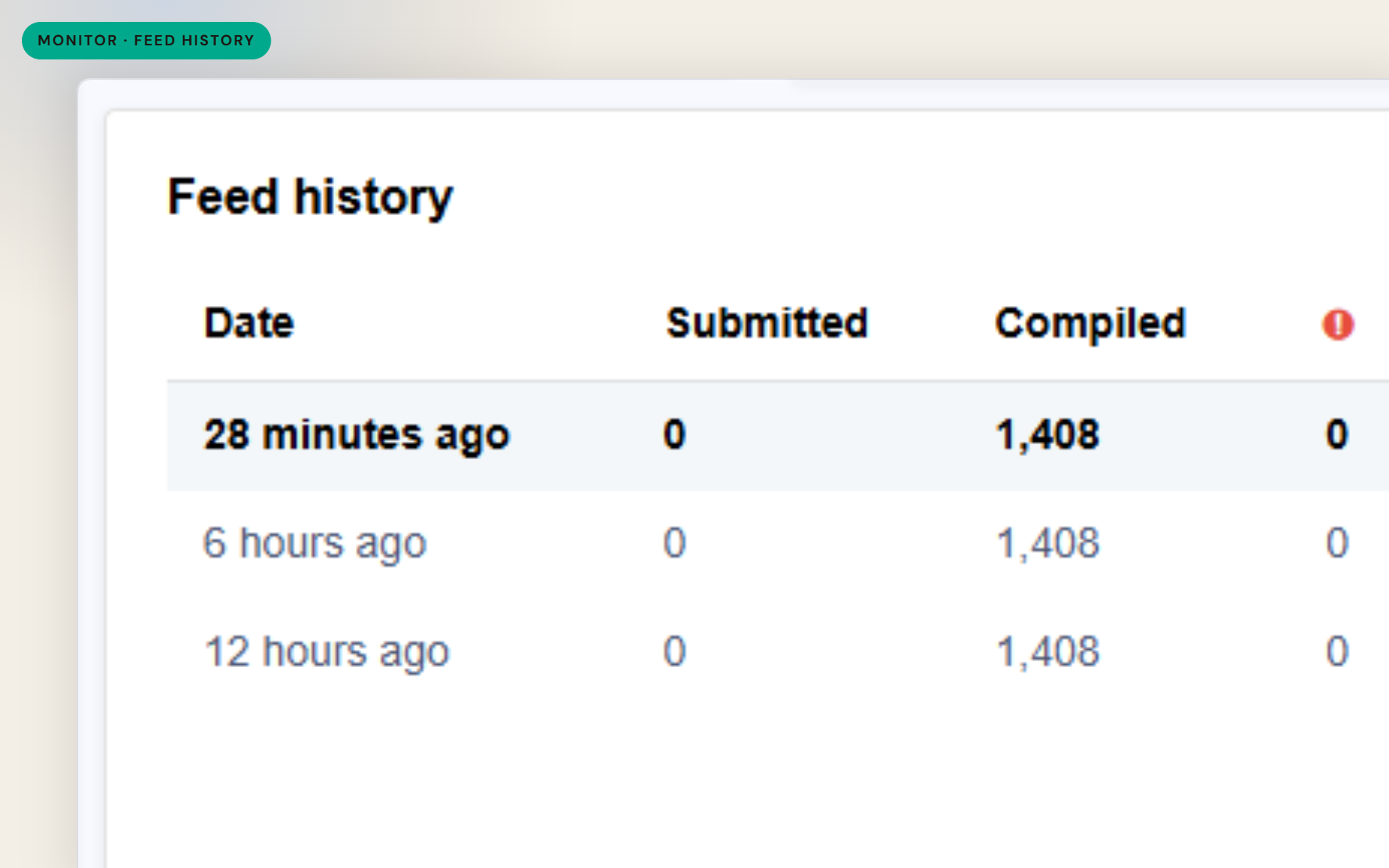
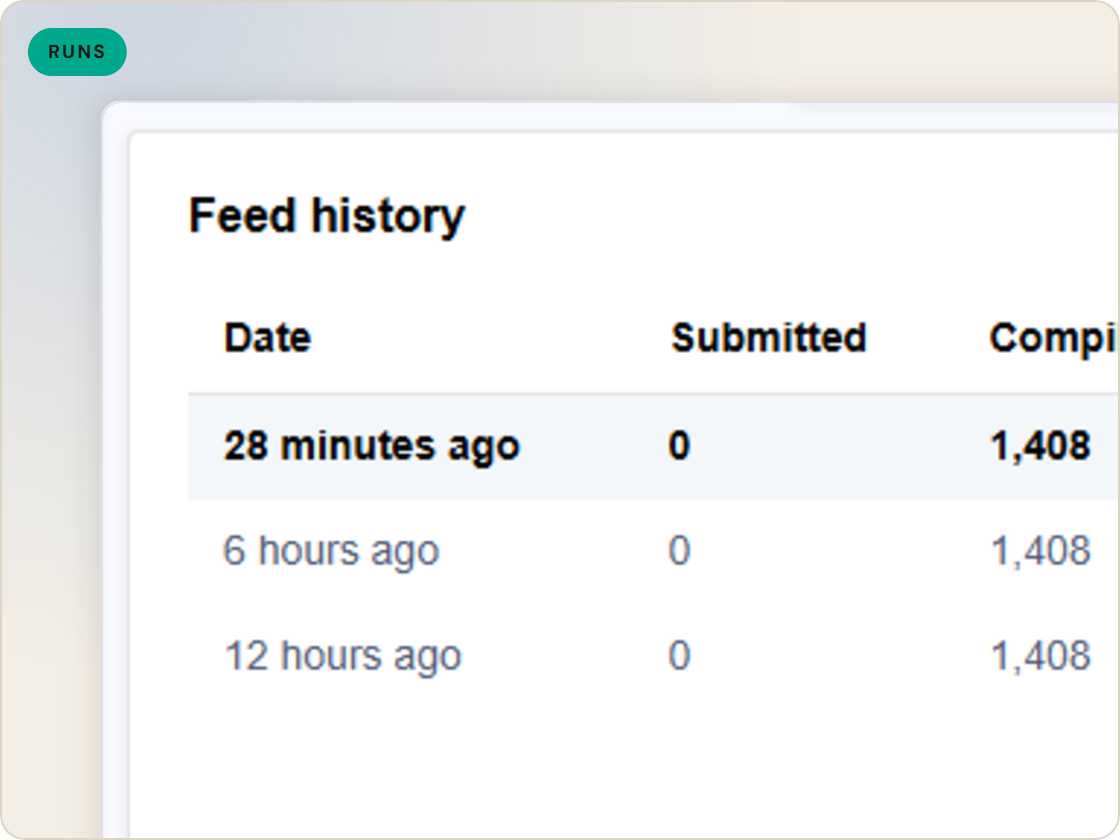
When a channel shows something odd, the first question is what shipped and when. Feed history keeps the record of every catalog run - with the source file, merge file and product catalog downloadable from each - so answers come from files, not memory.
The difference
Without GoDataFeed
With GoDataFeed
How it works
Every import on the record - with the files to prove it.
Benefits
Open the actual file from the run in question.
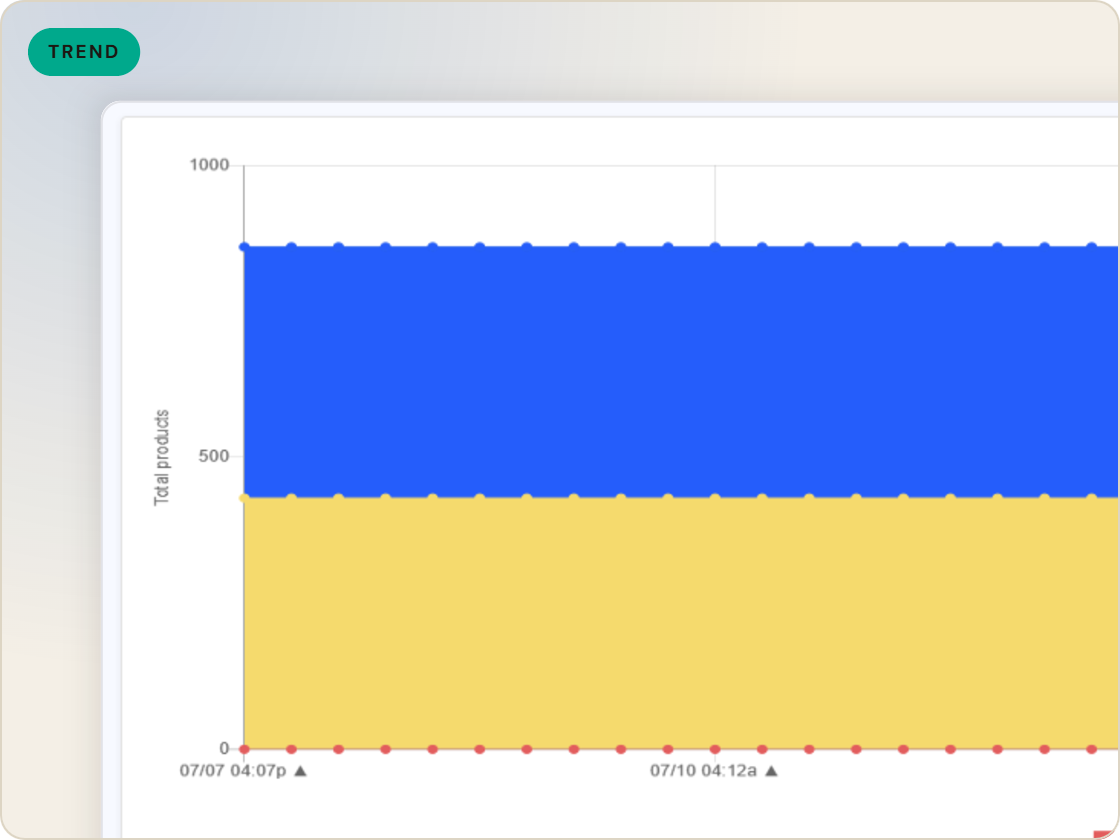
Compare a run's data against the run before it.
The source file shows what the source sent.
Trace an anomaly to the run that introduced it.
The platform keeps the record so you don't have to.
The history outlasts any one person's recollection.
Capabilities
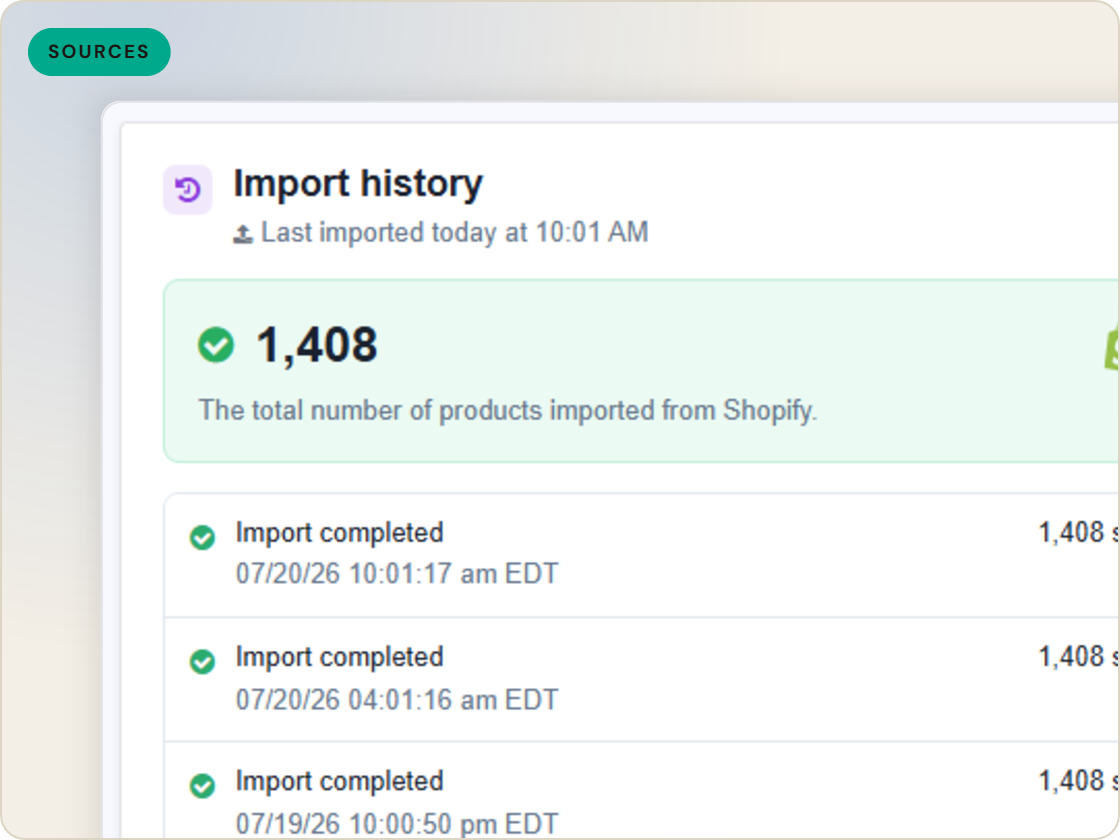
Import history lists every catalog run and its outcome - the record of what happened, in order, reviewable in-app.
Download the raw source file, the merge file and the resulting product catalog from any run - the actual data as it stood, not a reconstruction.
Alongside the run record, activity logs under account management track account and store actions.
Feature · Validate & monitor
A kept record of every catalog run - download the source file, merge file and product catalog from any import and debug from evidence.
Feed history
of six.
Every published version, diffable.
1
Ingest the catalog whole, variants intact.
2
Fix attributes once, at catalog scale.
3
Maintained mappings for 200+ integrations, current when specs drift.
4
Catch errors before they ship, while they're free.
5
Push validated feeds on schedule, price and stock current.
6
Read every channel' feed's verdict back on one screen.
Questions
Each catalog import run and its outcome, reviewable from the import section in-app.
The raw source file, the merge file and the product catalog produced by that run.
Walk the run history and download files from before and after the anomaly - the comparison points at the run that introduced it.
Start a 14-day trial or book a demo — we'll audit your feed free and show you your diagnostics baseline.
Also in the box
needs.
Eligibility drops and sync failures to email or Slack, thresholds yours.
Every published version diffable — what changed, when, by which rule.
The same rulebook checks, run before publishing instead of after.
Each channel error mapped to its fix, linked from the row.
Weekly eligibility digest per store, for the people who don't log in.
Diagnostics data in your own BI, if that's where your team lives.
