





















































Advertising
from your catalog at serve time.
Every Criteo placement - retargeting, retail media, open web - renders products from the data you supply. GoDataFeed keeps that catalog spec-correct and current, so the ad matches the store it links to.
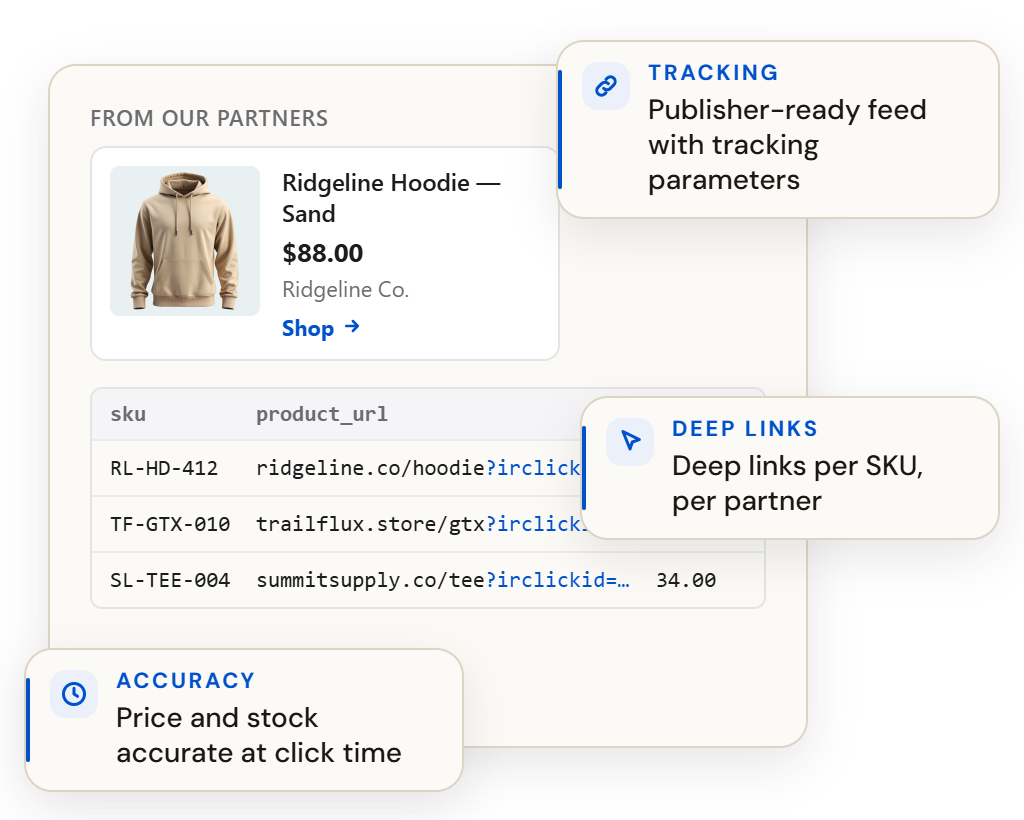
Why it matters
What it rewards
What it needs from your feed
Thirty minutes, live, on your data — the mapping, the rules, the validations, the fix list. Or watch the demo tour first: the recorded version, no meeting required.
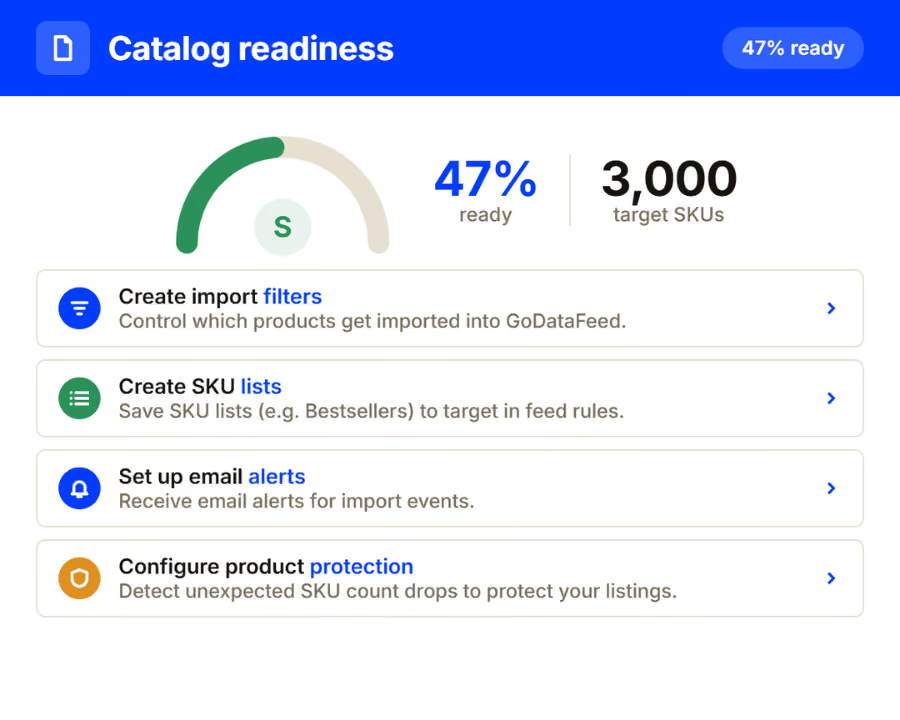
What the ad reads
Criteo assembles each placement from your titles, images, prices and availability. The campaign optimizes delivery - but what renders in front of the shopper is your data, exactly as you shipped it.
Titles, categories, identifiers and imagery formatted to Criteo's product spec on every sync.
Scheduled updates keep rendered placements aligned with what your store charges and can sell.
Formats validated and URLs verified before push, so creative renders and clicks land.
The catalog behind your shopping channels extends to Criteo without a parallel pipeline.
How it works
01
Products, variants, pricing and inventory import automatically.
02
A maintained template handles required fields; your rules handle exceptions.
03
Price and availability refresh automatically between full catalog pushes.
1
catalog behind every commerce media placement you run.
60+
channels one connection can feed.
0
ads rendered from last month's export.
Questions, answered
What data does Criteo use?
Product titles, images, prices, availability, identifiers and links - formatted to spec and validated before every push.
Why does catalog freshness matter here?
Placements render from your data at serve time. Stale price or stock puts a wrong offer in front of a shopper you paid to reach.
How often can the catalog update?
On your schedule, with price and stock refreshing more often than the full catalog when needed.
Go deeper
At a glance
Type
Channel
Connection
Feed format
Refresh
Order sync
No
Plan
Identity key
Before you start
Note
GoDataFeed optimizes, enriches, validates, and keeps your product data in sync across Google, Meta, marketplaces, and AI shopping.
