




















































Platform / Features /
Alerting
Feature · Validate & monitor
Before the channel tells you.
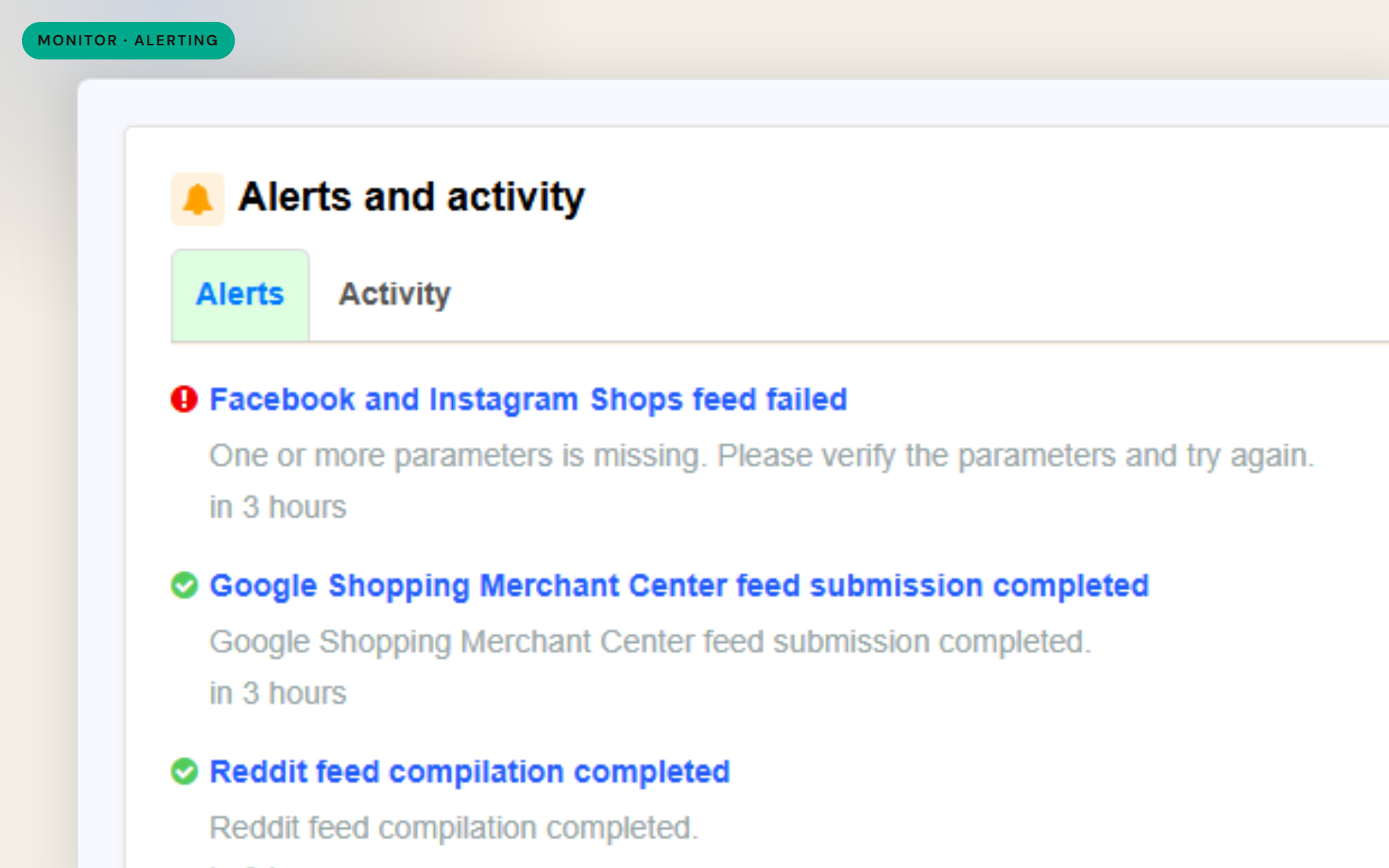
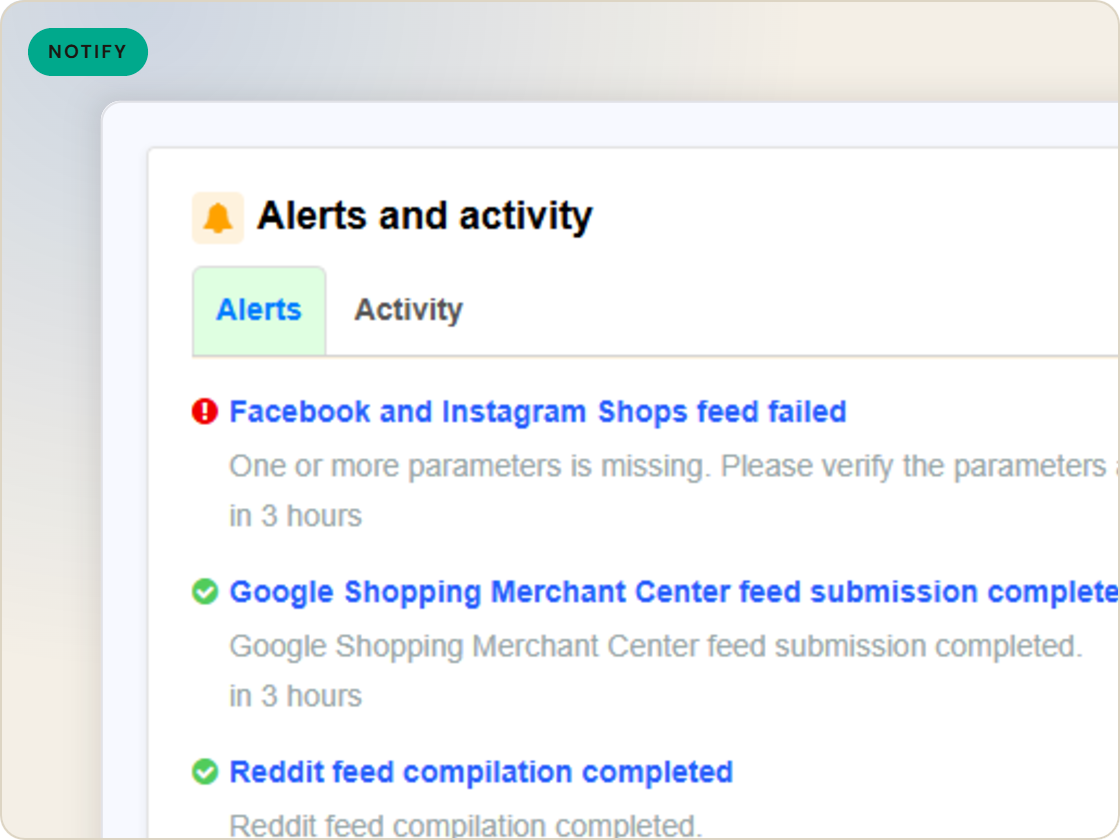
A failed import or submission discovered a day late is a day of stale listings. Alerting emails the outcomes you choose - import results, feed compile and submission status, and processing reports from channels that send them.
The difference
Without GoDataFeed
With GoDataFeed
How it works
Import and feed alerts on success or failure - straight to your inbox.
Benefits
Broken runs announce themselves instead of hiding.
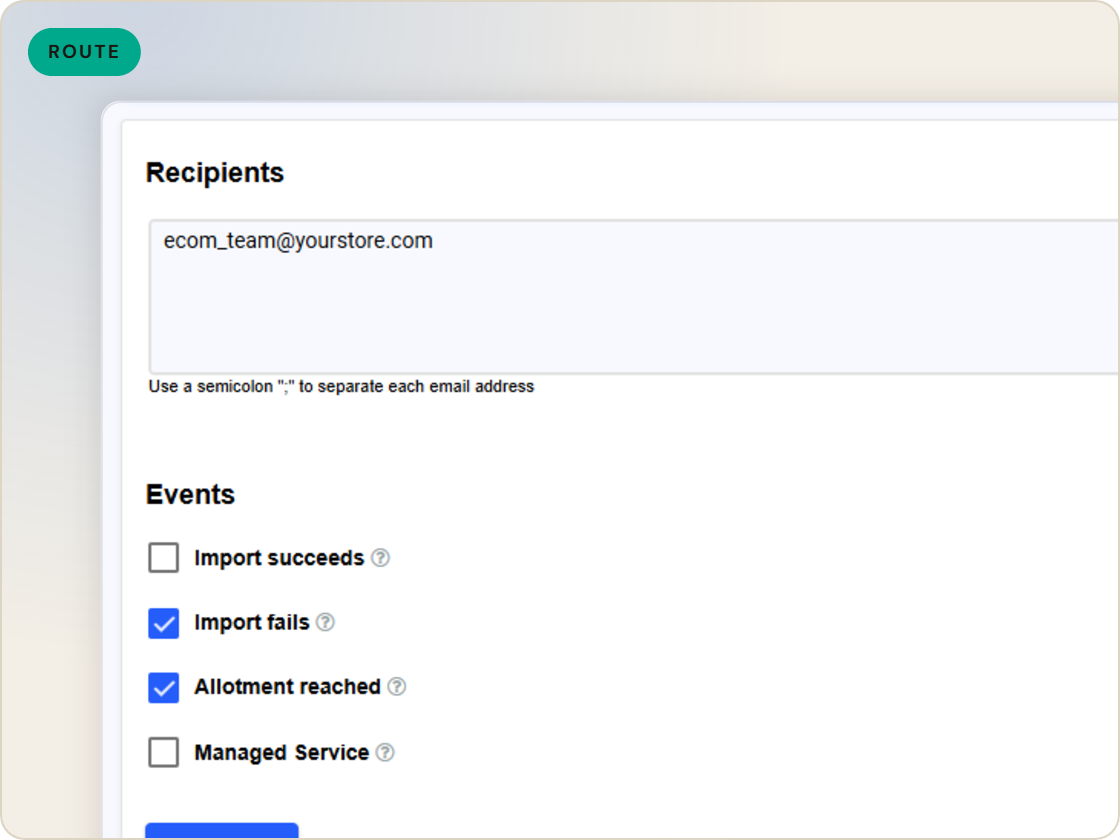
Alerts go to the addresses you list, not one inbox.
Choose failure-only and quiet means healthy.
Processing reports arrive without console visits.
Problems get fixed closer to when they happen.
Watch the inbox, not the dashboard.
Capabilities
Email on import success, failure or both - your choice per setting, to one address or a list.
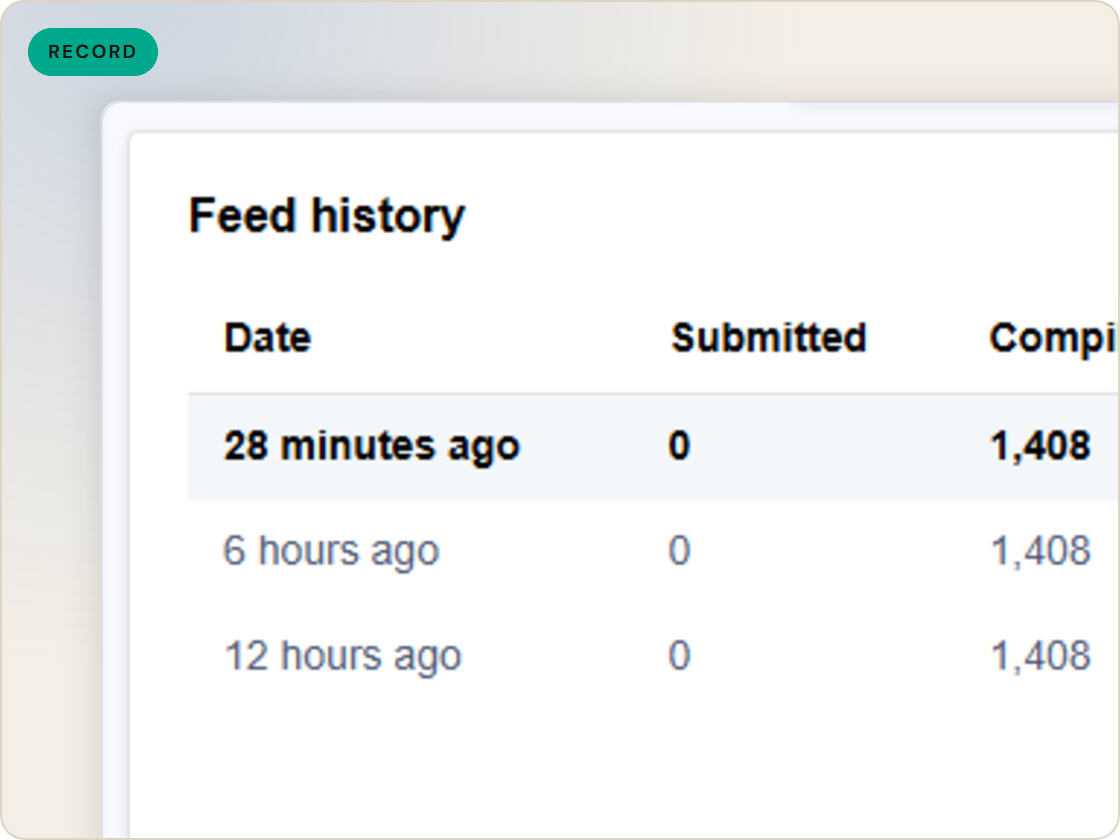
Status after feed compilation and submission, per feed. Most teams choose failure-only and let quiet mean healthy.
For channels that return processing results - Amazon, Walmart, eBay, Newegg, Rakuten - the report emails along with the submission outcome.
Feature · Validate & monitor
Email alerts on import and submission outcomes - success, failure or both, per feed - plus processing reports from channels that return them.
Alerting
of six.
Eligibility and sync failures, alerted.
1
Ingest the catalog whole, variants intact.
2
Fix attributes once, at catalog scale.
3
Maintained mappings for 200+ integrations, current when specs drift.
4
Catch errors before they ship, while they're free.
5
Push validated feeds on schedule, price and stock current.
6
Read every channel' feed's verdict back on one screen.
Questions
Catalog import success or failure, feed compile and submission outcomes, and processing reports from channels that provide them.
Any email addresses you list - separate multiple recipients so the right people hear first.
Yes - failure-only is a setting, and the most common choice.
Start a 14-day trial or book a demo — we'll audit your feed free and show you your diagnostics baseline.
Also in the box
needs.
Eligibility drops and sync failures to email or Slack, thresholds yours.
Every published version diffable — what changed, when, by which rule.
The same rulebook checks, run before publishing instead of after.
Each channel error mapped to its fix, linked from the row.
Weekly eligibility digest per store, for the people who don't log in.
Diagnostics data in your own BI, if that's where your team lives.
