




















































Platform / Features /
Inventory sync
Feature · Sync & orders
Everywhere, fast.
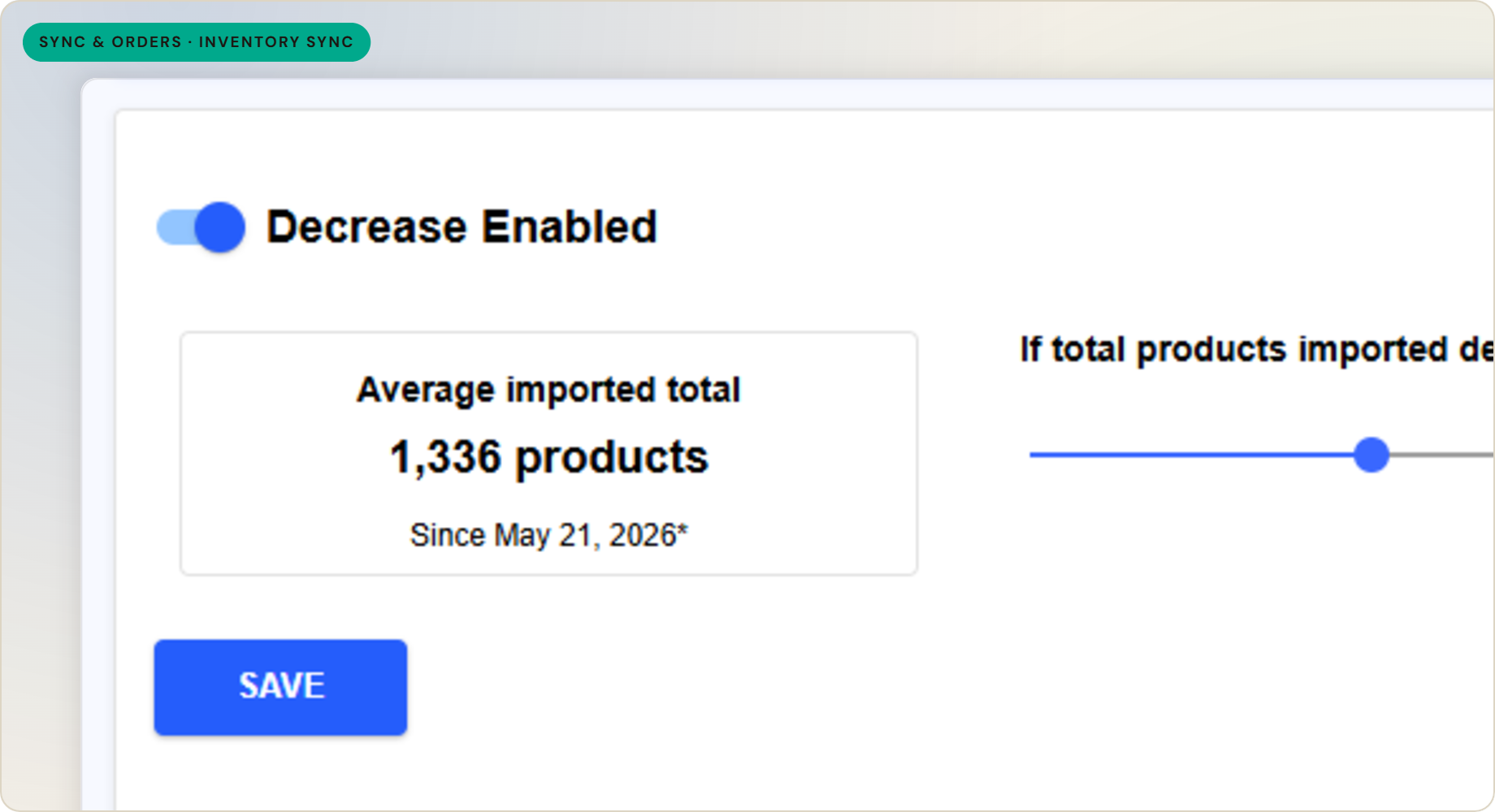
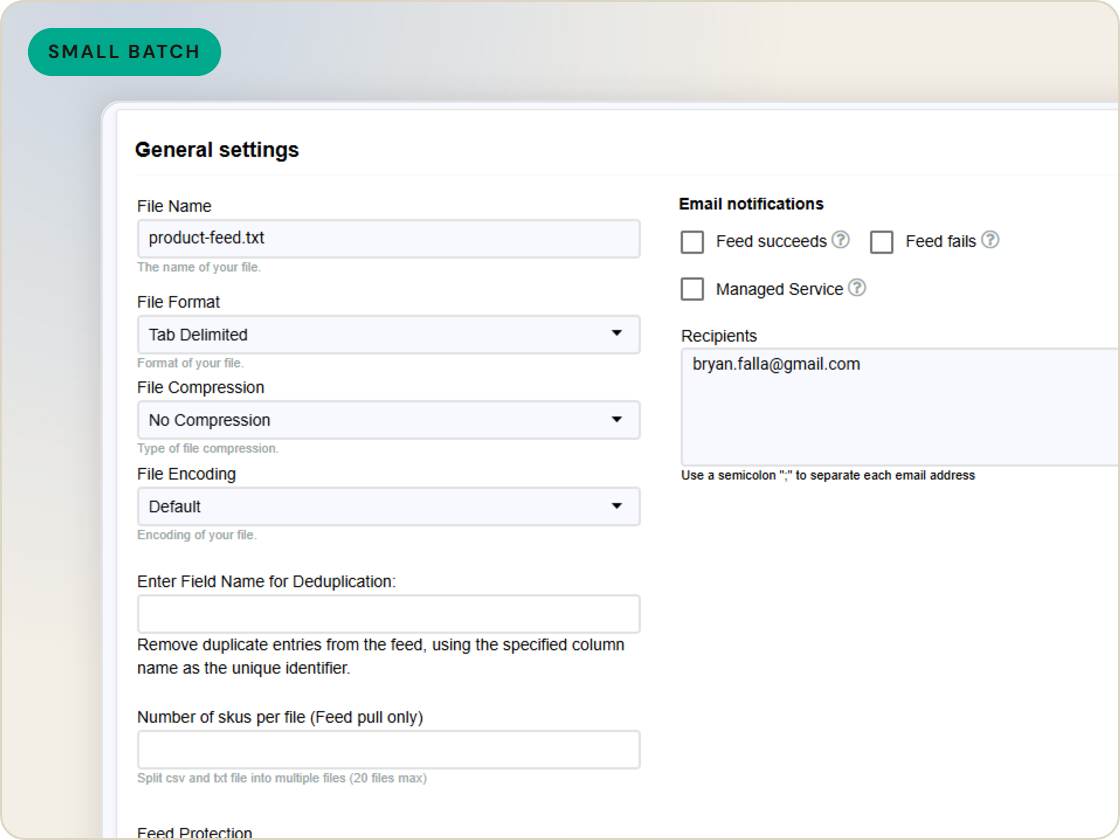
A full feed doesn't need to run just to update stock. Inventory sync carries a small batch - inventory at minimum, plus a few key fields - so availability updates reach every channel far faster than a full feed.
The difference
Without GoDataFeed
With GoDataFeed
How it works
Push inventory and key fields to every channel on a fast delta sync - no full feed rebuild.
Benefits
Stock counts stay close to what's actually on the shelf.
A small delta moves in a fraction of the time.
Light syncs can run often without straining anything.
Channels show what you can actually ship.
No full rebuild to change a few values.
Shoppers hit fewer out-of-stock surprises.
Capabilities
Instead of rebuilding the whole feed, a small batch carries only the values that change - inventory at least, plus a few key fields.
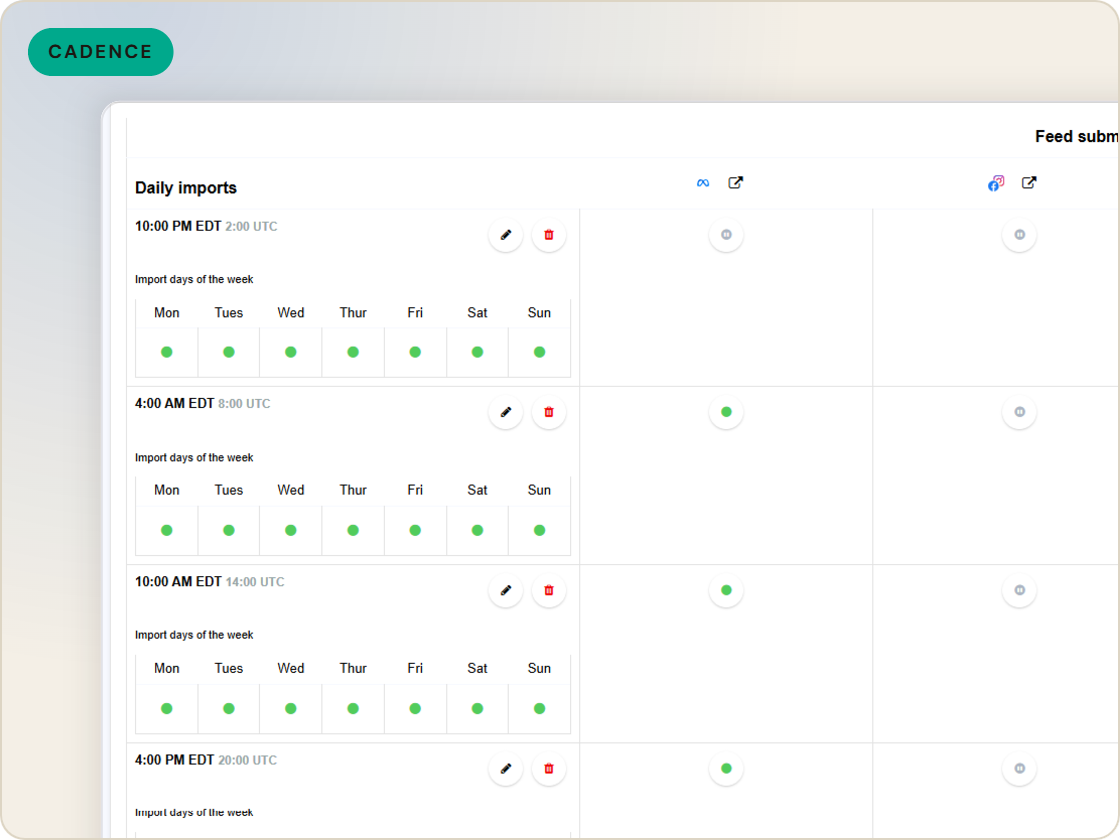
Because the batch is small, it runs far more often than a full feed, keeping availability close to current across channels.
The sync centers on stock levels, so the numbers most likely to cause oversells stay aligned with the store.
Feature · Sync & orders
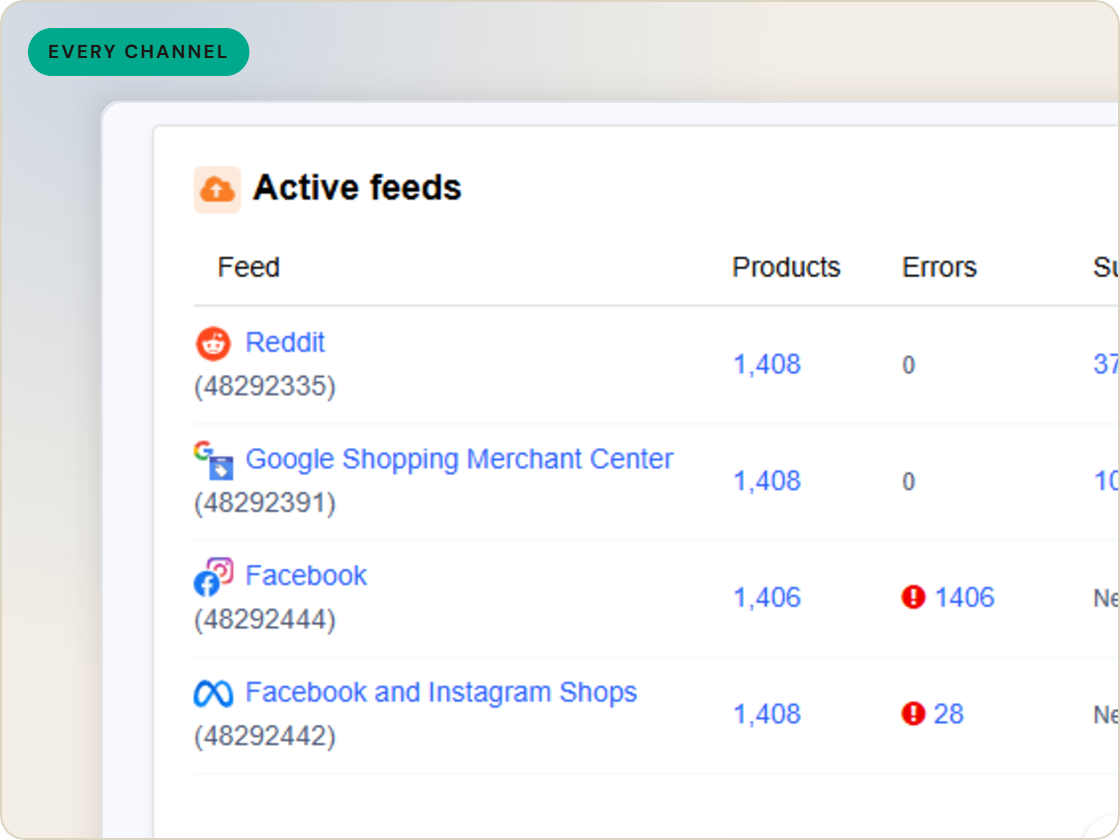
Push inventory and key fields to every channel on a fast delta sync - keeping availability current between full feed runs, without a complete rebuild.
Inventory sync
of six.
Push stock updates without a full feed.
1
Ingest the catalog whole, variants intact.
2
Fix attributes once, at catalog scale.
3
Maintained mappings for 200+ integrations, current when specs drift.
4
Catch errors before they ship, while they're free.
5
Push validated feeds on schedule, price and stock current.
6
Read every channel' feed's verdict back on one screen.
Questions
A full feed carries every field for every product. Inventory sync carries a small delta - usually inventory plus a few key fields - so it runs much faster and more often.
Inventory at minimum, typically with a few other frequently-changing fields alongside it.
No. It runs between full feed updates to keep availability current without a complete rebuild each time.
Start a 14-day trial or book a demo — we'll audit your feed free and show you your diagnostics baseline.
Also in the box
needs.
Eligibility drops and sync failures to email or Slack, thresholds yours.
Every published version diffable — what changed, when, by which rule.
The same rulebook checks, run before publishing instead of after.
Each channel error mapped to its fix, linked from the row.
Weekly eligibility digest per store, for the people who don't log in.
Diagnostics data in your own BI, if that's where your team lives.
