




















































Platform / Features /
Supplemental data
Feature · Optimize & transform
The store stays the store.
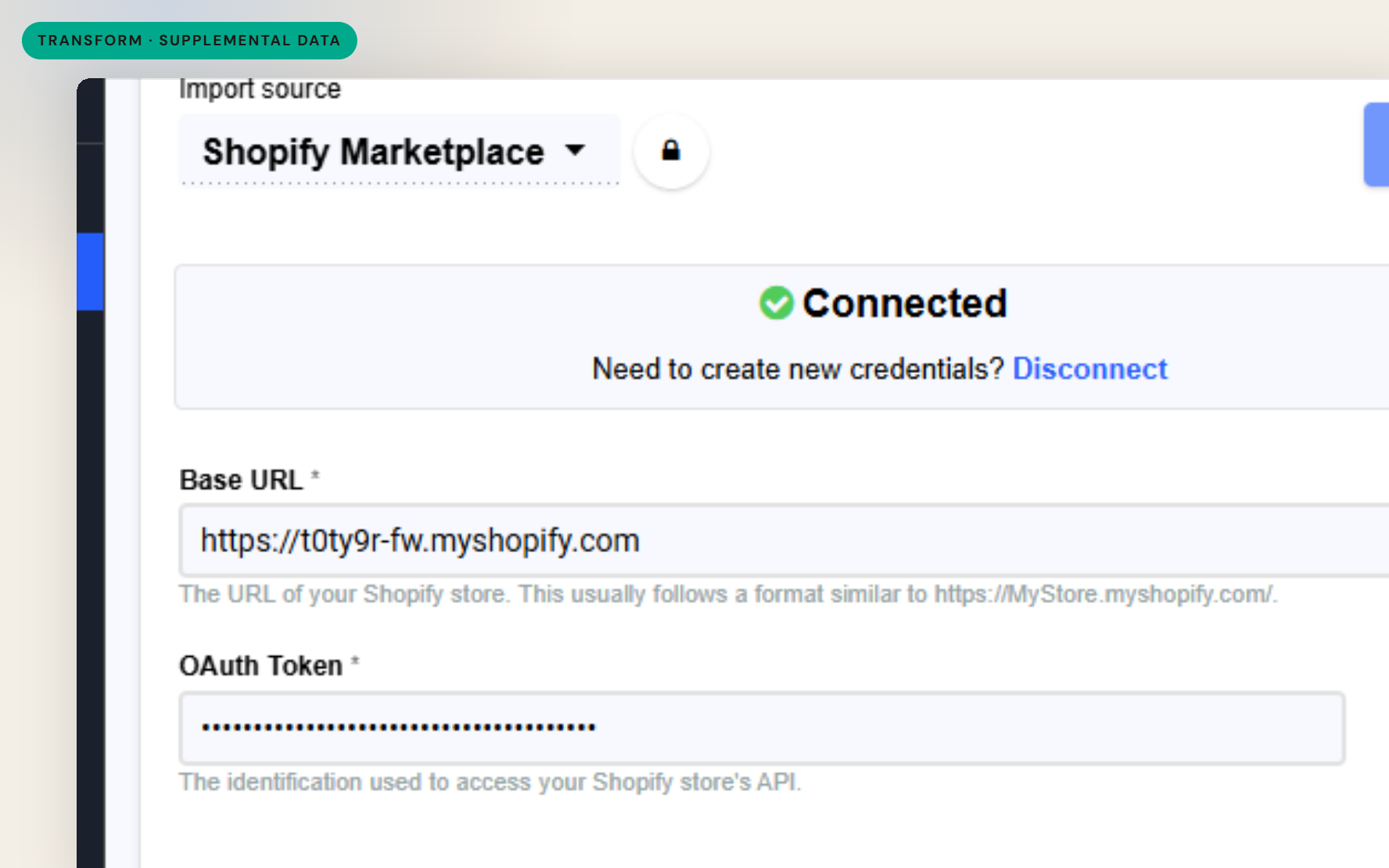
Campaigns need fields the store was never built to hold - promo copy, custom labels, seasonal attributes. Supplemental data layers them onto the catalog from a separate source, joined by SKU, without editing the store.
The difference
Without GoDataFeed
With GoDataFeed
How it works
Layer promo copy, custom labels and seasonal fields without touching source.
Benefits
Promo fields turn on and off without store deployments.
The store schema stops absorbing marketing fields.
Custom labels feed the campaign structures channels use.
A spreadsheet update replaces a developer ticket.
Campaign data leaves as cleanly as it arrived.
Enrichment lands exactly on the products it targets.
Capabilities
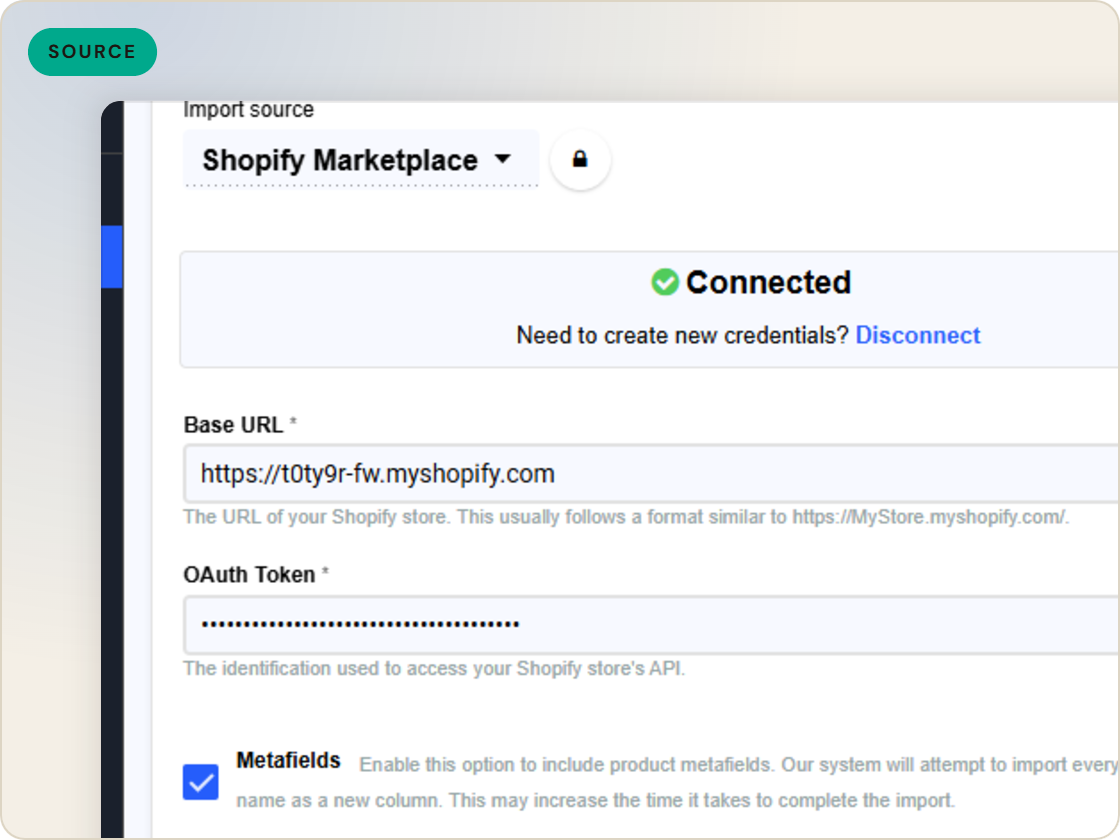
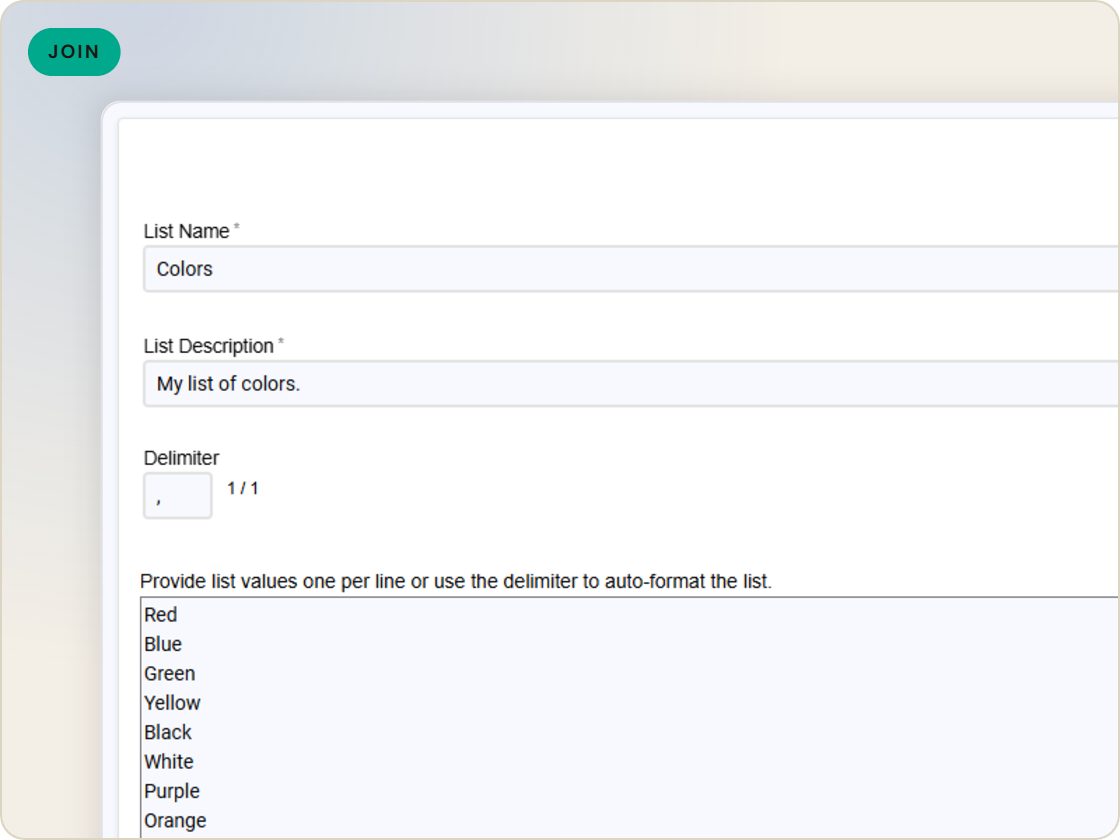
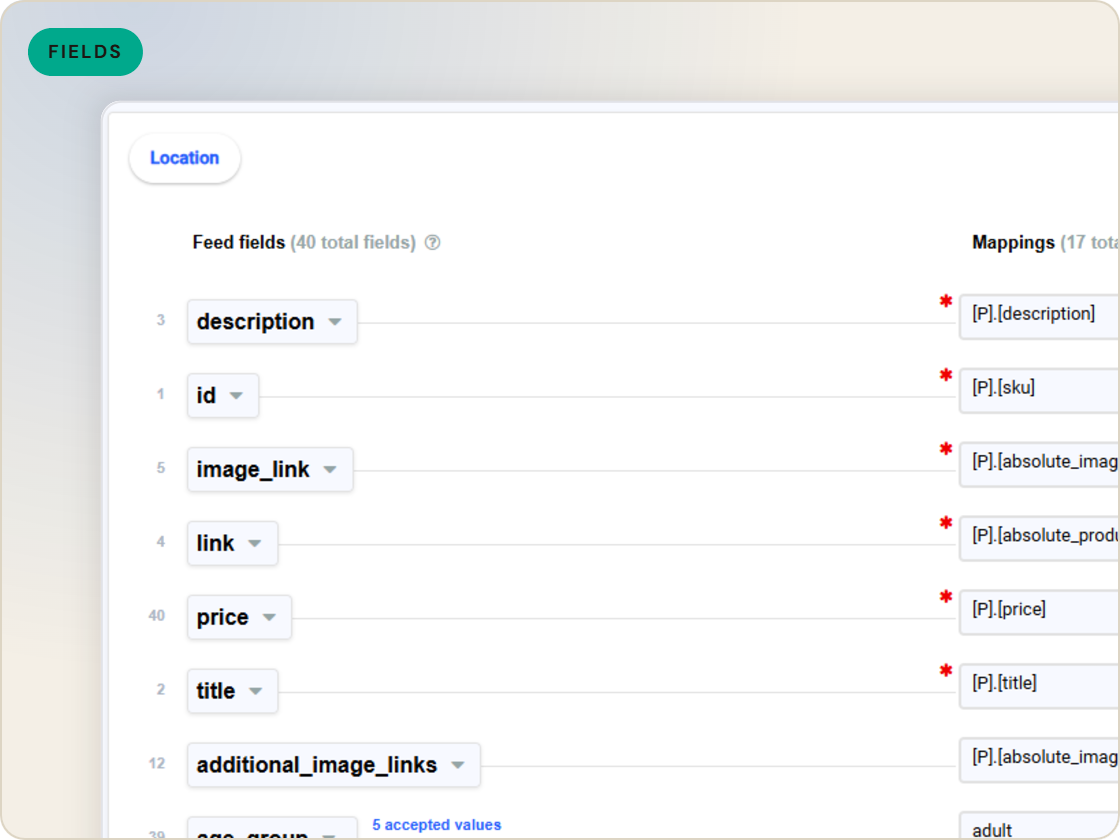
Add a file alongside the main import - promo text, badges, seasonal fields - matched to products by SKU and merged into the feed.
Populate custom label fields to segment campaigns by margin band, seasonality or promotion - the levers bidding strategies read.
Everything added stays in the feed layer. The store's catalog remains exactly what the storefront needs it to be.
Feature · Optimize & transform
Layer promo copy, custom labels and seasonal fields onto your catalog from a separate source, joined by SKU - the store stays untouched.
Supplemental data
of six.
Add data your store doesn't hold.
1
Ingest the catalog whole, variants intact.
2
Fix attributes once, at catalog scale.
3
Maintained mappings for 200+ integrations, current when specs drift.
4
Catch errors before they ship, while they're free.
5
Push validated feeds on schedule, price and stock current.
6
Read every channel' feed's verdict back on one screen.
Questions
By a shared identifier - typically SKU. The supplemental file joins the imported catalog and its fields become available to every feed.
Promo copy, custom labels for campaign segmentation, seasonal attributes, badge text - fields that matter to feeds but don't belong in the store.
No. Supplemental data merges in the feed layer only - the source platform is never written to.
Start a 14-day trial or book a demo — we'll audit your feed free and show you your diagnostics baseline.
Also in the box
needs.
Eligibility drops and sync failures to email or Slack, thresholds yours.
Every published version diffable — what changed, when, by which rule.
The same rulebook checks, run before publishing instead of after.
Each channel error mapped to its fix, linked from the row.
Weekly eligibility digest per store, for the people who don't log in.
Diagnostics data in your own BI, if that's where your team lives.
