



















































Feature · Optimize & enrich
You stay at the controls.
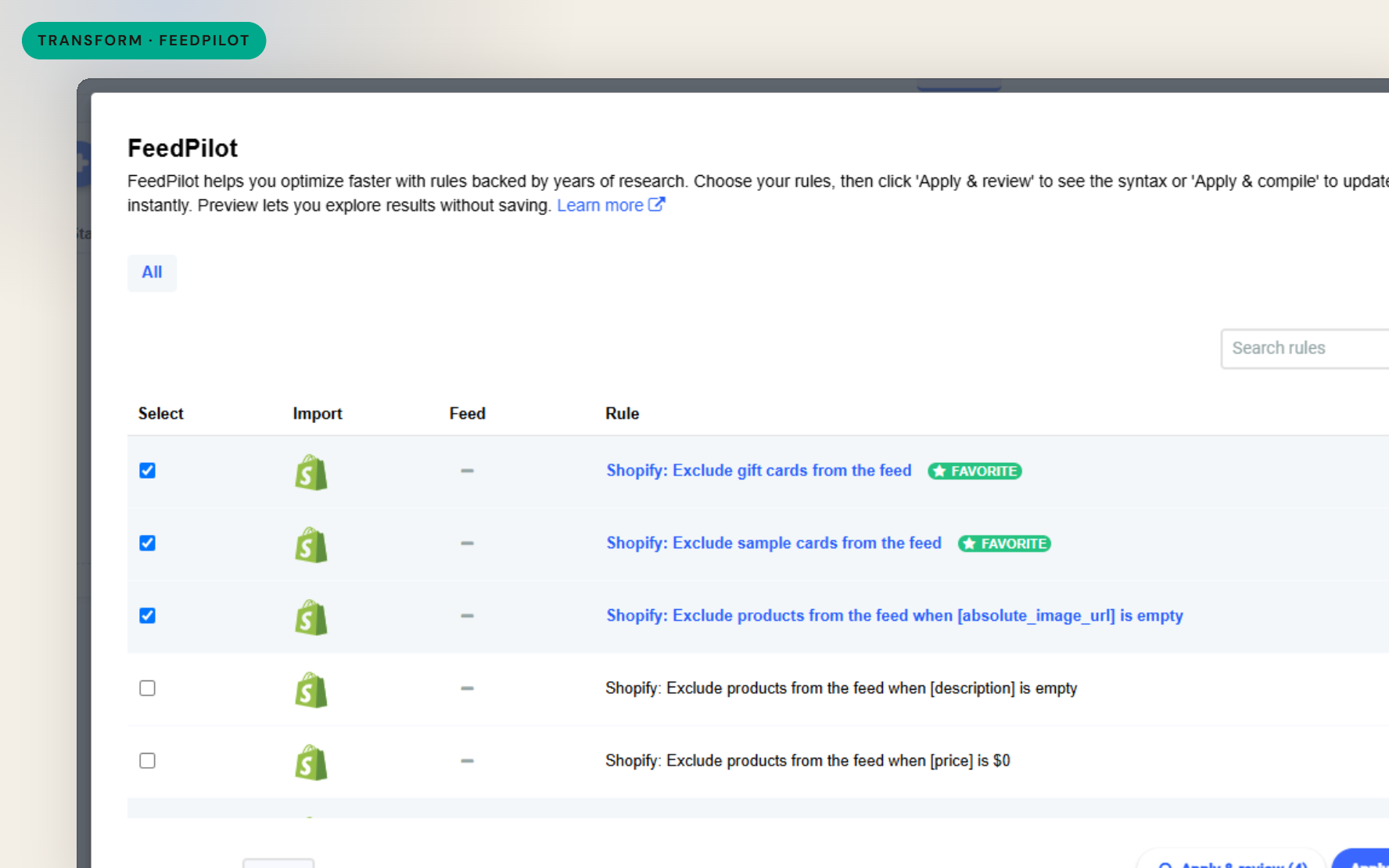
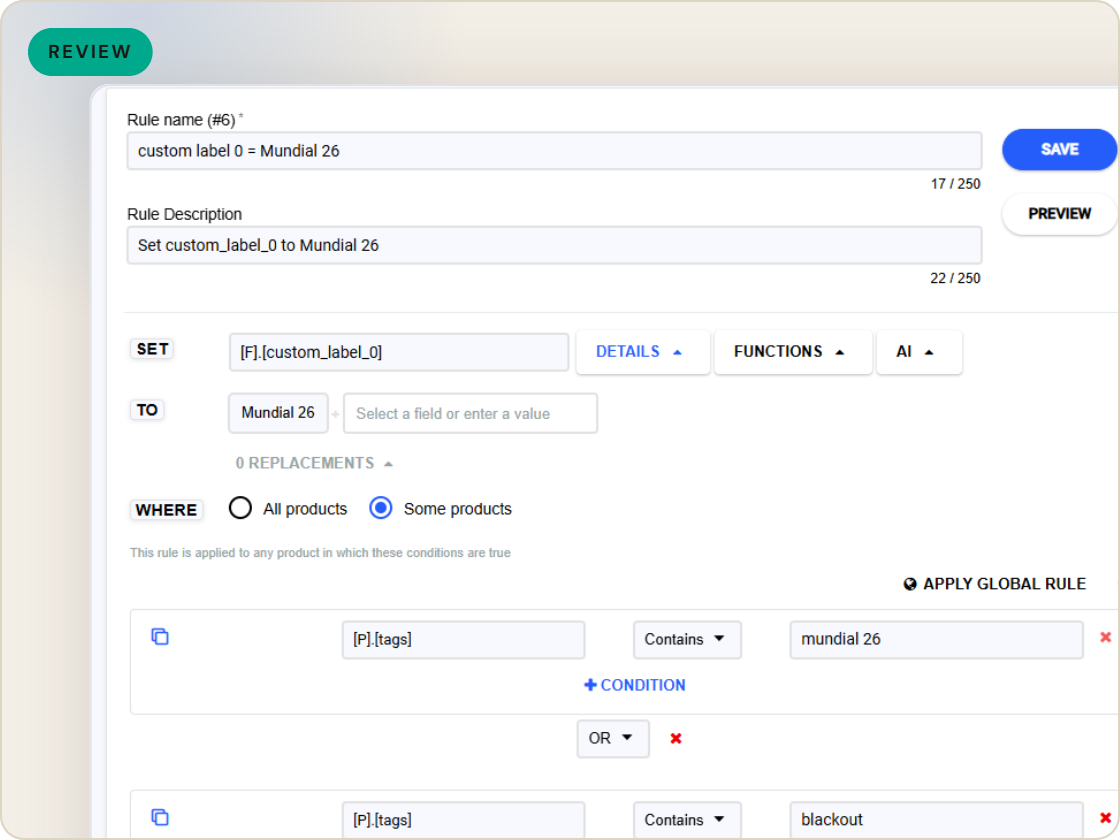
FeedPilot recommends the feed rules most likely to work for your import type, channel and catalog - drawn from 4+ years of GoDataFeed performance data and account-manager insight. You pick the rules, review the logic, and apply them. The guidance is personalized; the control stays yours.
The difference
Without GoDataFeed
With GoDataFeed
How it works
Prebuilt, proven feed rules recommended for your import type, channel and goals - you choose, review and apply.
Benefits
Apply effective optimizations without building each rule from scratch.
FeedPilot recommends; you select, review the logic, and apply.
The rules that tend to work are surfaced for you.
Recommendations account for the channel you're optimizing for.
Guidance evolves as your feed data grows.
Backed by years of real-world feed performance.
Capabilities
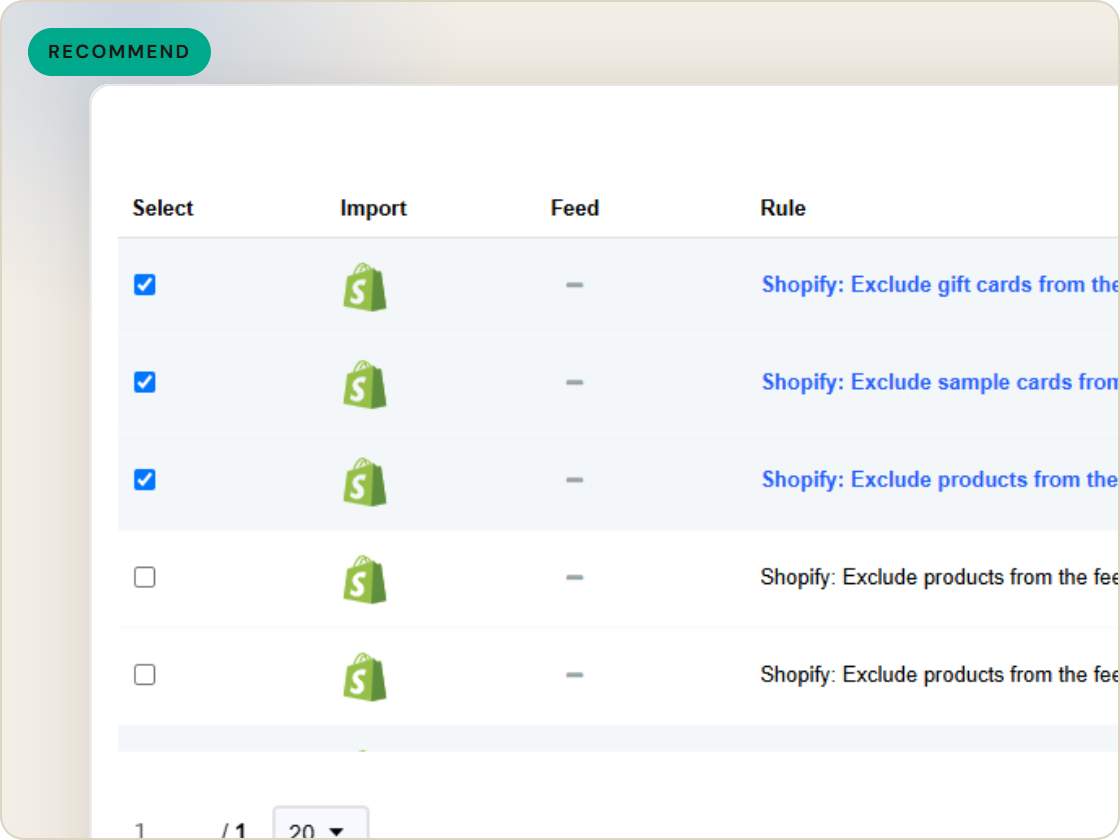
FeedPilot surfaces rules matched to your import type, shopping channel and catalog - the available rules differ per store because they're specific to your feed.
Recommendations draw on 4+ years of GoDataFeed data and account-manager insight, so you're applying what has worked, not a generic default.
Open FeedPilot from the Filters or Rules page to see filter rules that exclude products and custom rules that optimize them, sorted by field and searchable by keyword.
Feature · Optimize & enrich
FeedPilot recommends proven feed rules for your import type and channel, drawn from 4+ years of performance data - you select, review and apply. Guidance with control.
FeedPilot
of six.
Apply proven rules, recommended for your feed.
1
Ingest the catalog whole, variants intact.
2
Fix attributes once, at catalog scale.
3
Maintained mappings for 60+ channels, current when specs drift.
4
Catch errors before they ship, while they're free.
5
Push validated feeds on schedule, price and stock current.
6
Read every channel feed's verdict back on one screen.
Questions
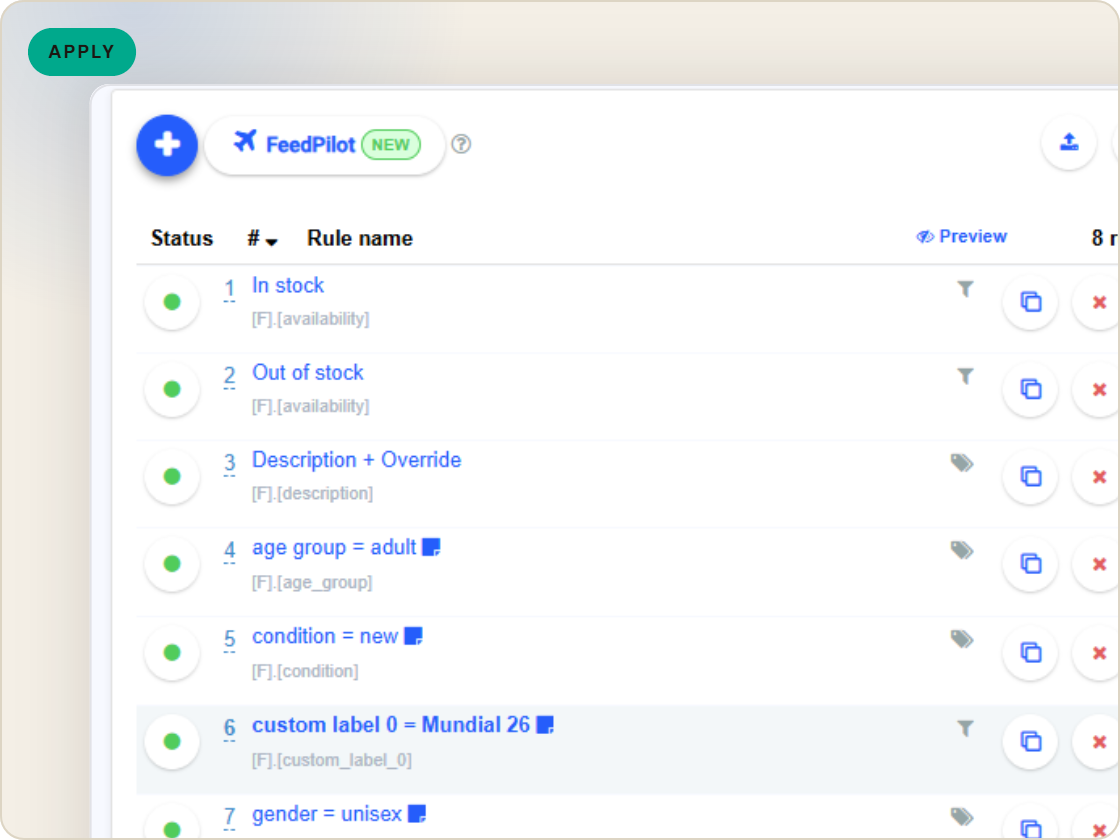
No. It recommends rules; you select the ones you want, review the logic, and apply them - then preview the feed to see them compiled.
On the Filters and Rules pages of any feed. Click the FeedPilot button to open the modal and browse available rules.
Recommendations are specific to each feed's import type and channel, so the rules FeedPilot surfaces vary from store to store.
Start a 14-day trial or book a demo — we'll audit your feed free and show you your diagnostics baseline.
Also in the box
needs.
Eligibility drops and sync failures to email or Slack, thresholds yours.
Every published version diffable — what changed, when, by which rule.
The same rulebook checks, run before publishing instead of after.
Each channel error mapped to its fix, linked from the row.
Weekly eligibility digest per store, for the people who don't log in.
Diagnostics data in your own BI, if that's where your team lives.
