




















































Platform / Features /
Diagnostics view
Feature · Validate & monitor
One screen.
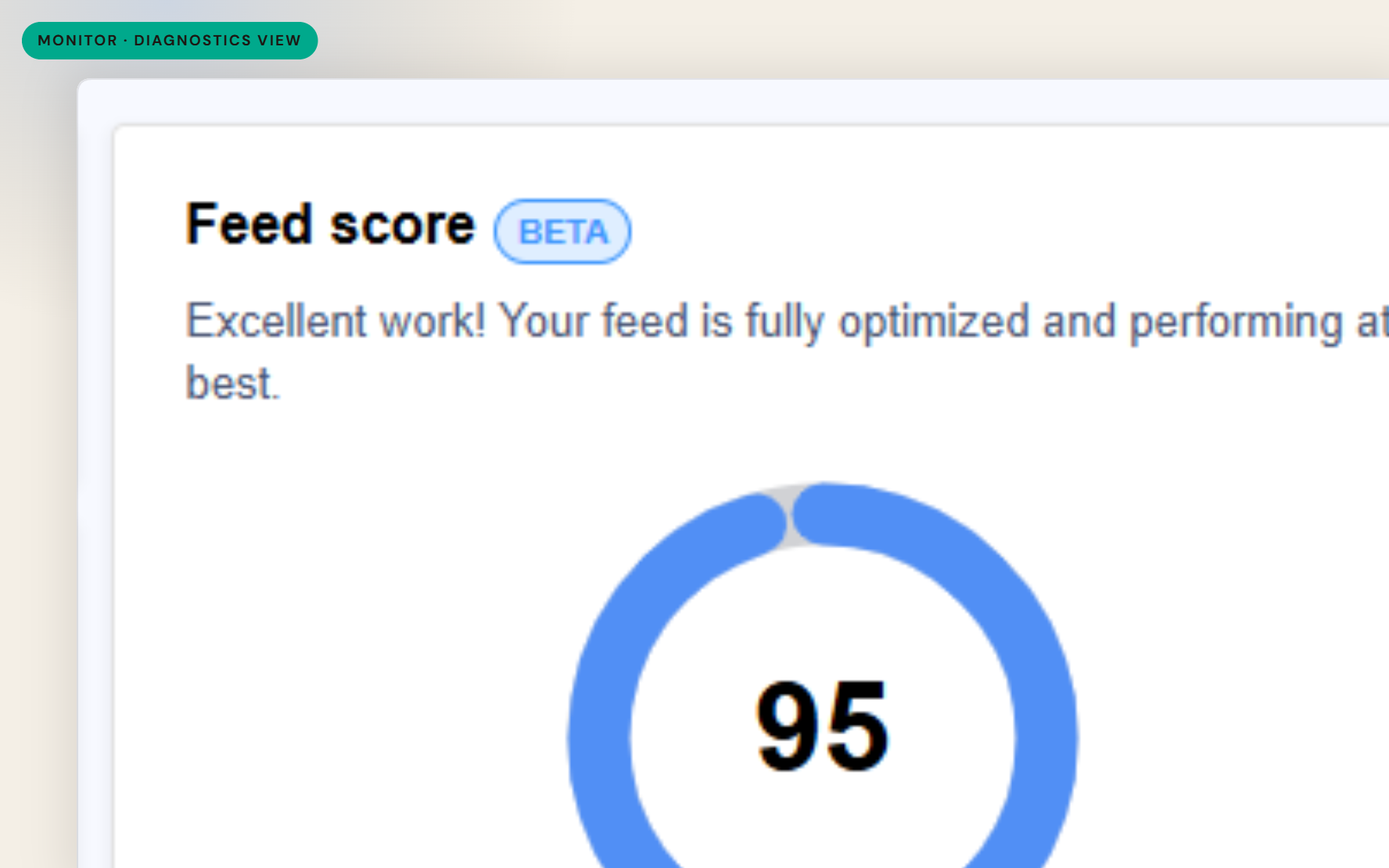
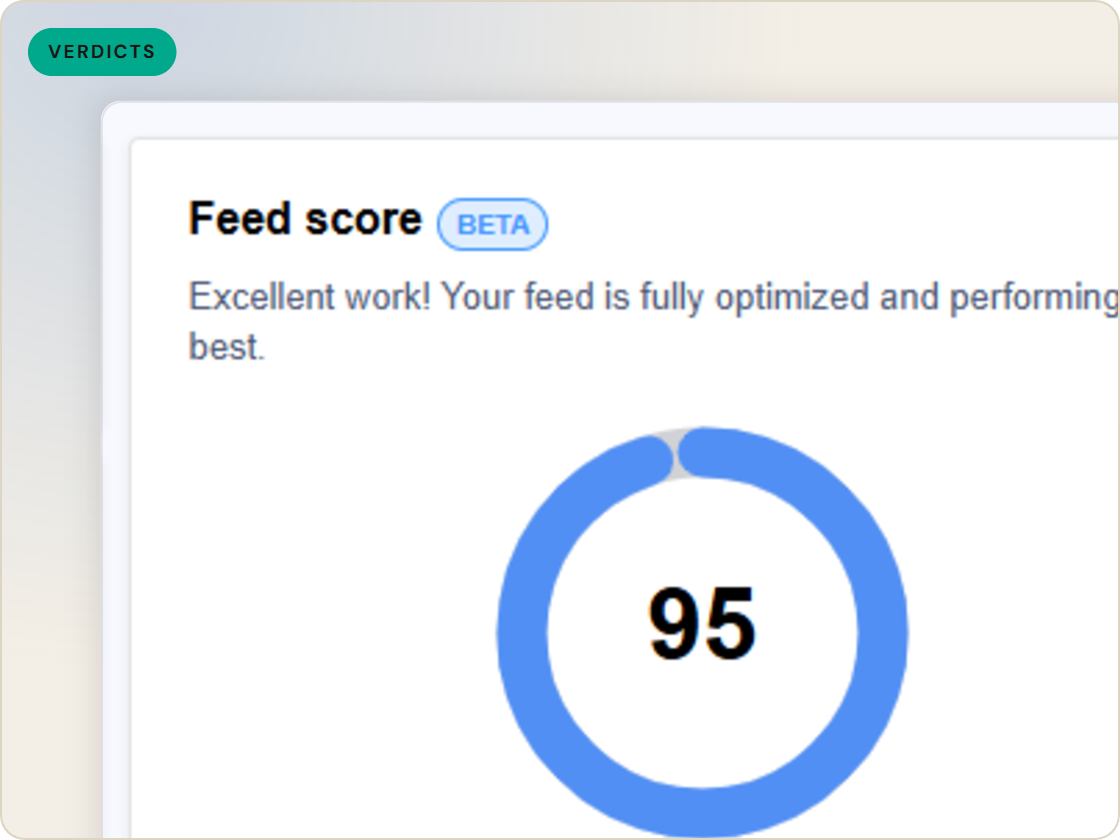
Each channel keeps its own scorecard in its own console. The diagnostics view brings the verdicts together - approvals, warnings and rejections per SKU, per channel - including processing results from channels that report them.
The difference
Without GoDataFeed
With GoDataFeed
How it works
Approvals, warnings, rejections - per SKU, per channel, one screen.
Benefits
Feed health stops being a console tour.
Problem products surface without channel-by-channel digging.
Failures that repeat across channels show themselves.
The team reads the same status, not five versions.
Where channels report back, their verdicts appear.
Fix priorities come from visible status, not guesses.
Capabilities
See each product's standing - approved, warned, rejected - without hunting it down inside a channel console.
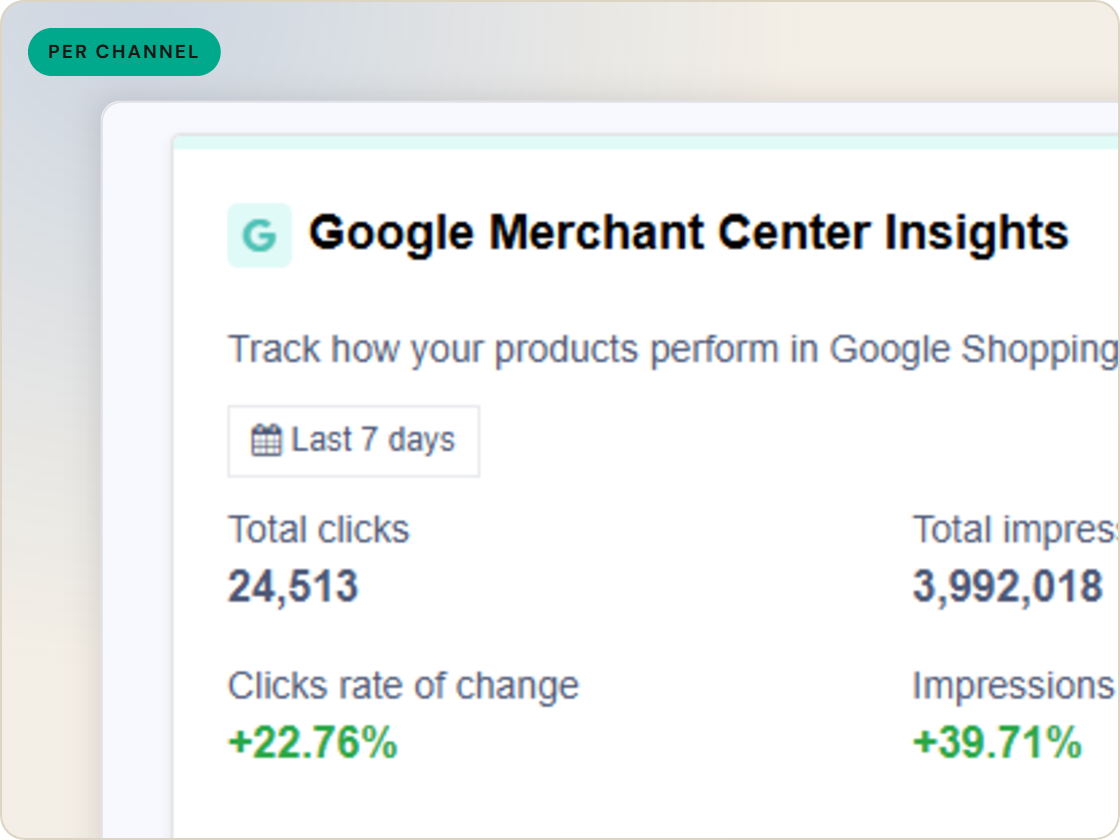
The same SKU can pass Google and fail a marketplace. The view keeps the verdicts side by side so the difference is visible.
For channels that return processing results - Amazon, Walmart, eBay and others - those reports feed the picture too.
Feature · Validate & monitor
Approvals, warnings and rejections per SKU, per channel, in one view - with processing reports from channels that return them.
Diagnostics view
of six.
Watch feed health across channels.
1
Ingest the catalog whole, variants intact.
2
Fix attributes once, at catalog scale.
3
Maintained mappings for 200+ integrations, current when specs drift.
4
Catch errors before they ship, while they're free.
5
Push validated feeds on schedule, price and stock current.
6
Read every channel' feed's verdict back on one screen.
Questions
Approvals, warnings and rejections per SKU, per channel - the standing of every product on every destination.
From feed validation and submissions, plus processing reports from channels that provide them, such as Amazon, Walmart and eBay.
Yes - the view is built for triage: find the failing products, see which channel and field, and go fix the data.
Start a 14-day trial or book a demo — we'll audit your feed free and show you your diagnostics baseline.
Also in the box
needs.
Eligibility drops and sync failures to email or Slack, thresholds yours.
Every published version diffable — what changed, when, by which rule.
The same rulebook checks, run before publishing instead of after.
Each channel error mapped to its fix, linked from the row.
Weekly eligibility digest per store, for the people who don't log in.
Diagnostics data in your own BI, if that's where your team lives.
