




















































Platform / Features /
Product sets
Feature · Map & syndicate
Chosen by rule.
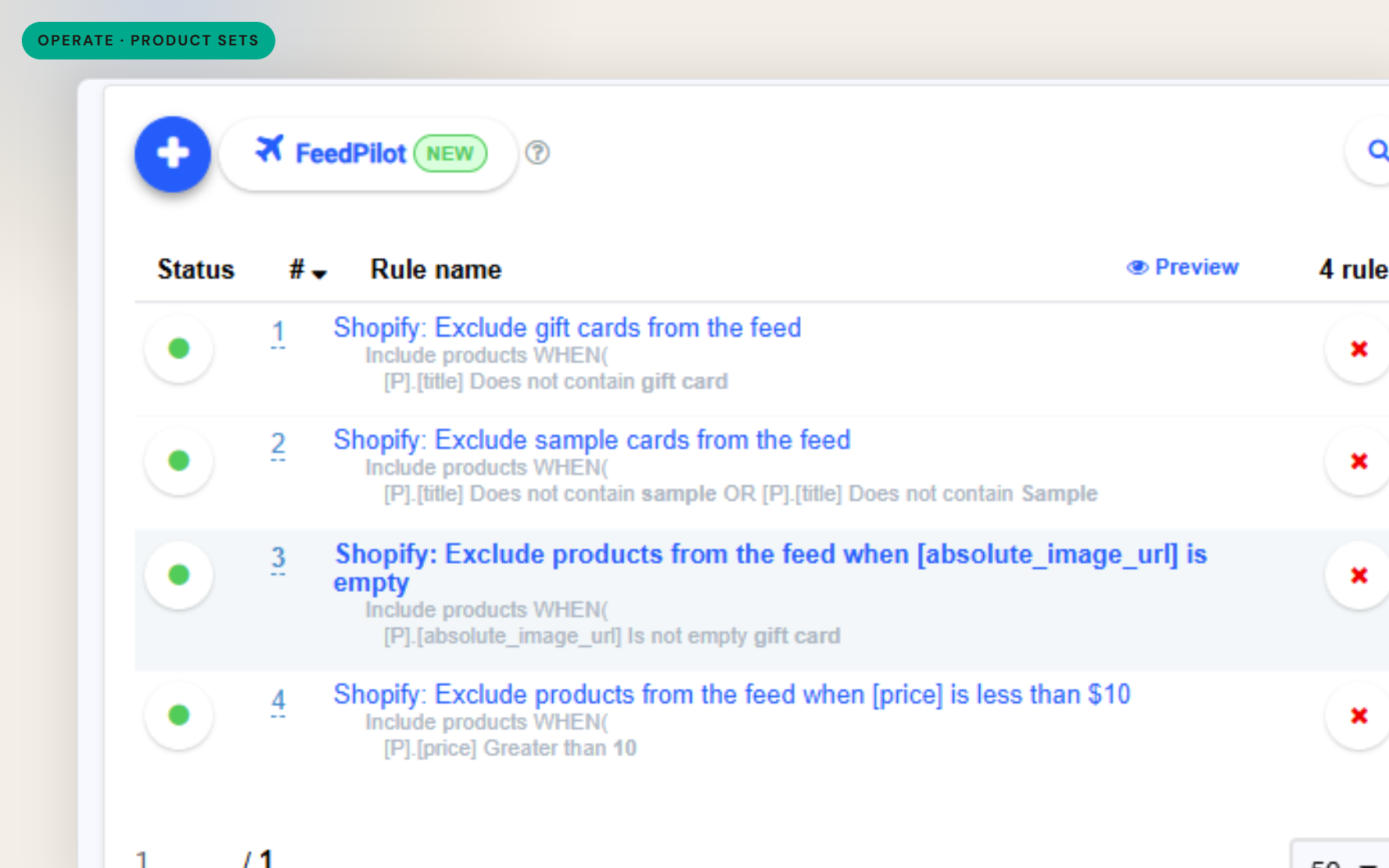
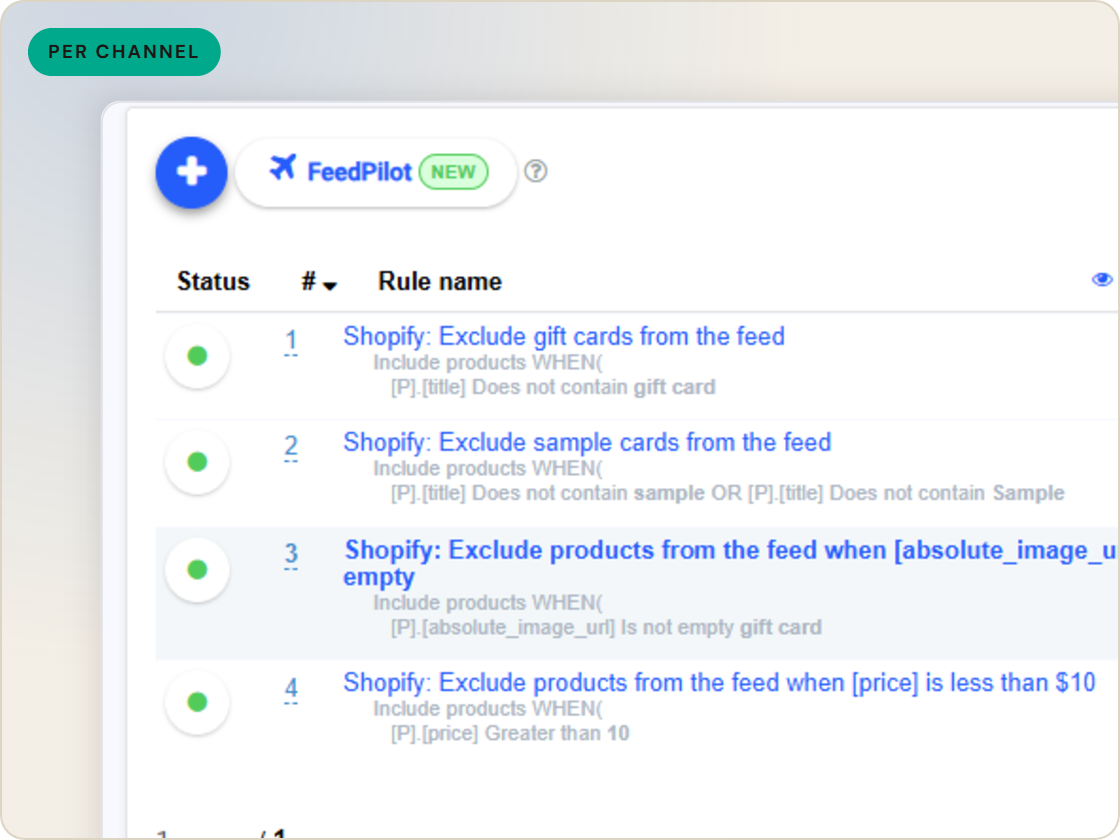
Not every product belongs on every channel. Feed filters decide which SKUs each destination receives - conditions on any catalog field, plus manual include and exclude for the one-offs.
The difference
Without GoDataFeed
With GoDataFeed
How it works
Segment which SKUs go to which channel - by any field in your catalog.
Benefits
Channels stop carrying products that shouldn't be there.
Ineligible SKUs exit before the channel flags them.
Each destination carries the assortment you chose for it.
Filters re-evaluate as catalog data changes.
Manual picks cover what rules can't express.
What's in, what's out and why is inspectable.
Capabilities
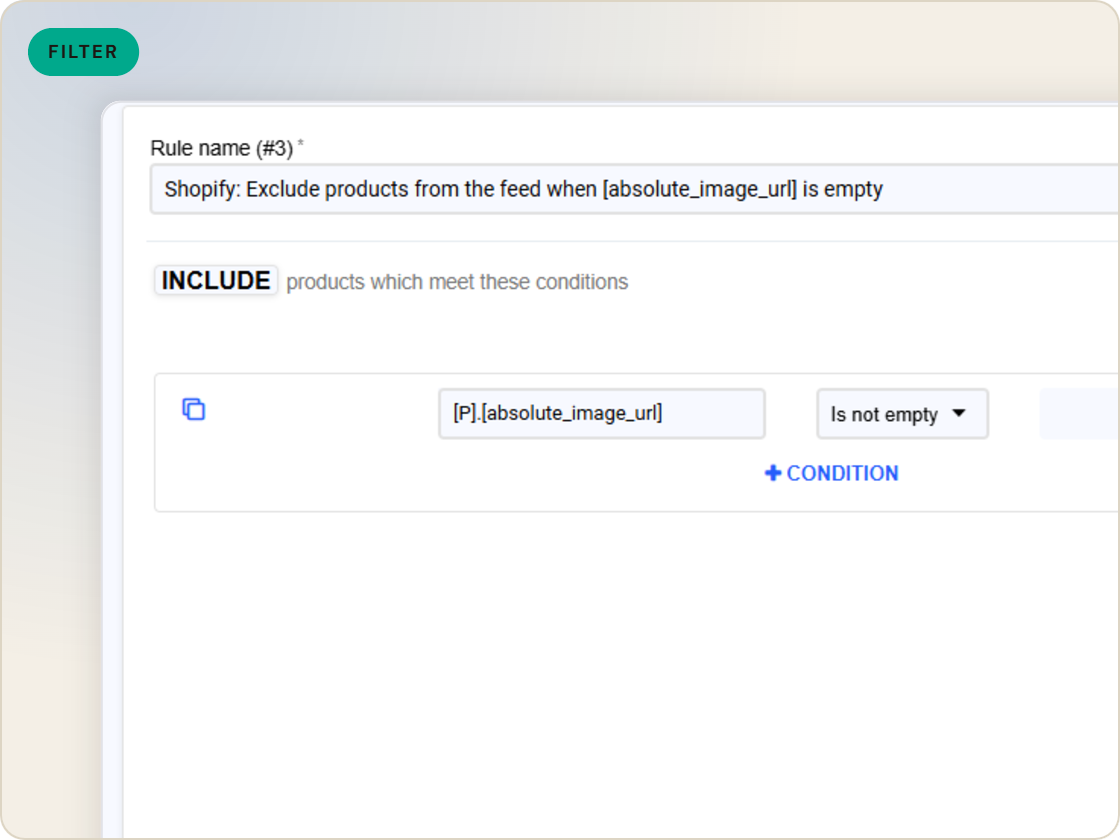
Include products by conditions on any catalog field - stock status, category, custom labels, price bands. The filter re-evaluates on every compile as data changes.
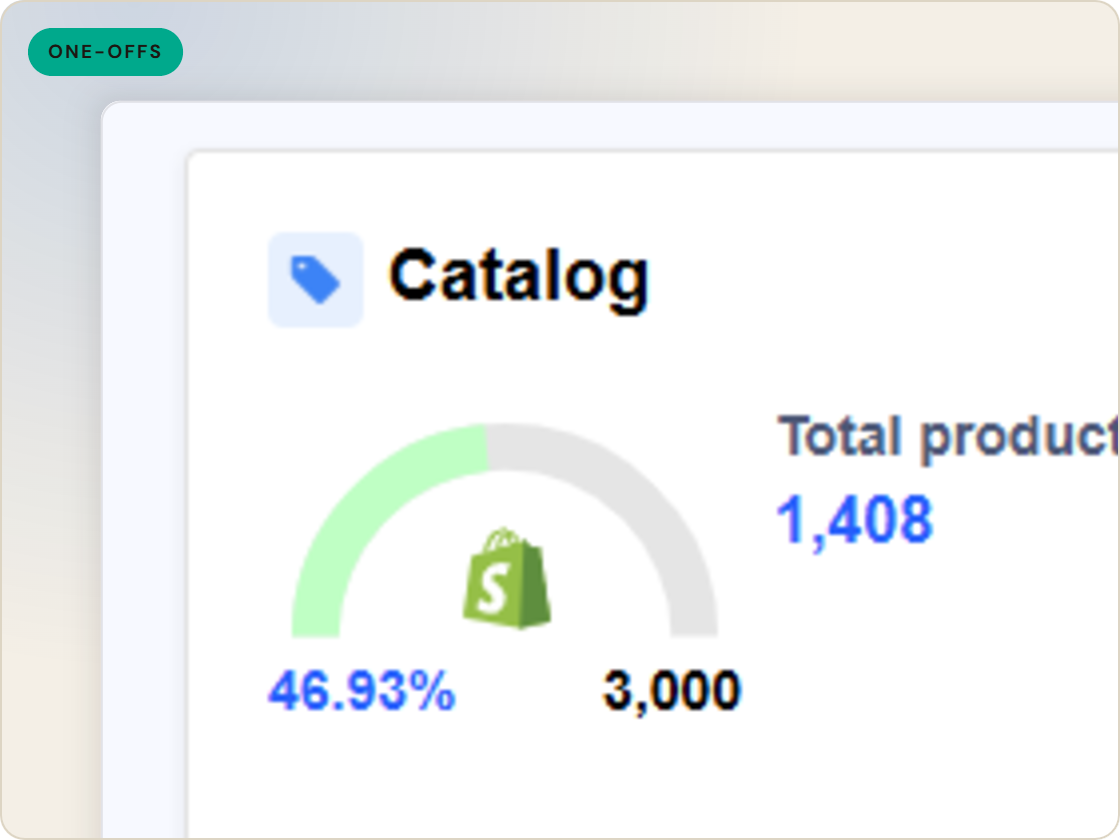
Hand-pick individual SKUs in or out of a feed. Manual selections hold their ground - filter rules don't override them.
See exactly which products a filter removed in the feed products table, or download the compiled file and check.
Feature · Map & syndicate
Decide which SKUs each channel receives - filter conditions on any catalog field, manual include/exclude for exceptions, verifiable per compile.
Product sets
of six.
Group products into feedable sets.
1
Ingest the catalog whole, variants intact.
2
Fix attributes once, at catalog scale.
3
Maintained mappings for 200+ integrations, current when specs drift.
4
Catch errors before they ship, while they're free.
5
Push validated feeds on schedule, price and stock current.
6
Read every channel' feed's verdict back on one screen.
Questions
Any field in your catalog - stock status, category, price, custom labels, or fields you added through supplemental data.
Yes. Manual include and exclude works per SKU, and manual selections are not overridden by filter rules.
Check the feed products table with the filter status view, or download the compiled feed and search it.
Start a 14-day trial or book a demo — we'll audit your feed free and show you your diagnostics baseline.
Also in the box
needs.
Eligibility drops and sync failures to email or Slack, thresholds yours.
Every published version diffable — what changed, when, by which rule.
The same rulebook checks, run before publishing instead of after.
Each channel error mapped to its fix, linked from the row.
Weekly eligibility digest per store, for the people who don't log in.
Diagnostics data in your own BI, if that's where your team lives.
