




















































Platform / Features /
Multi-store workspace
Feature · Teams & operations
Permissions per client.
Agencies and multi-brand teams run many catalogs at once. The multi-store workspace keeps every store in one account - separate catalogs, per-store users and permissions, one place to look.
The difference
Without GoDataFeed
With GoDataFeed
How it works
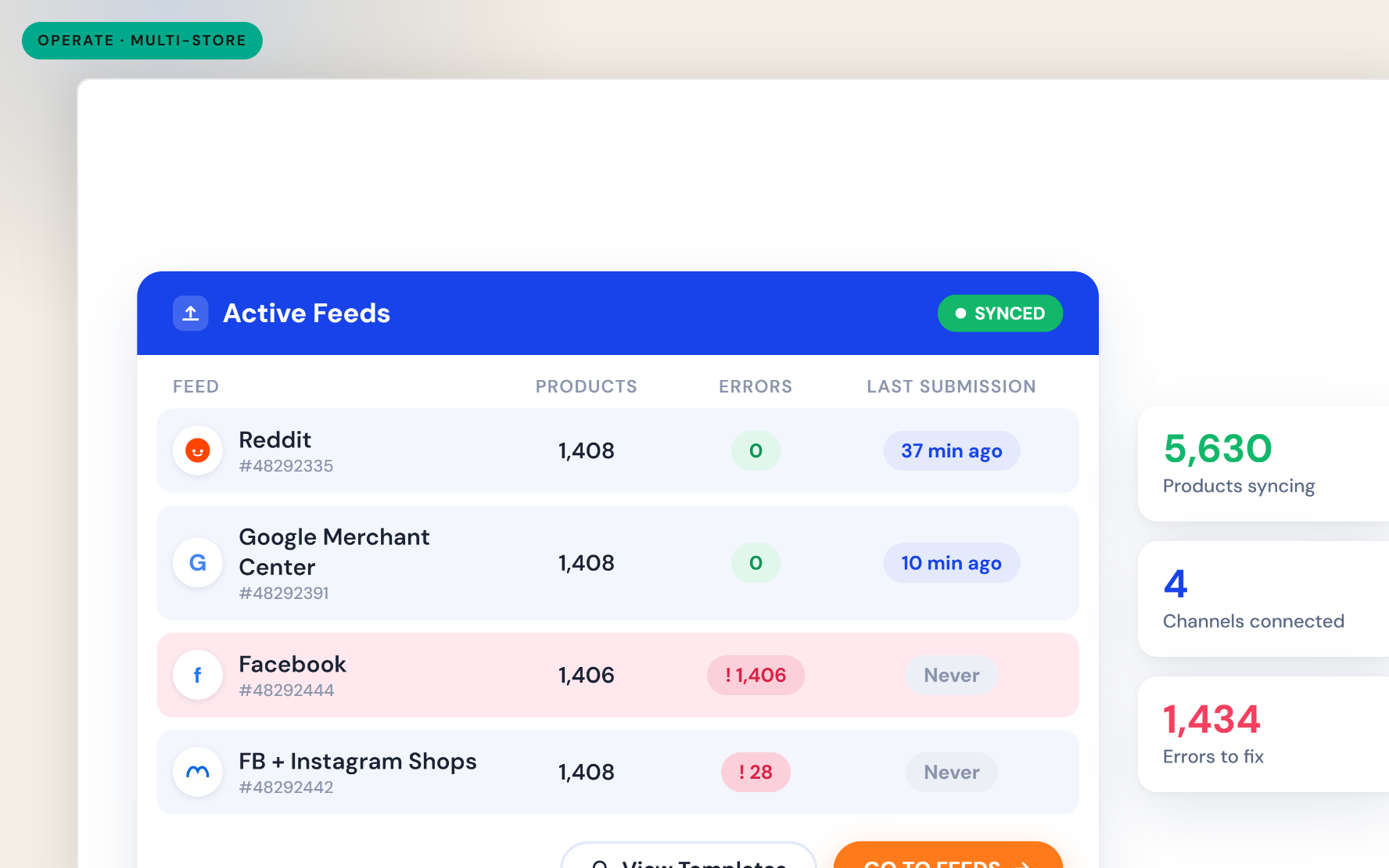
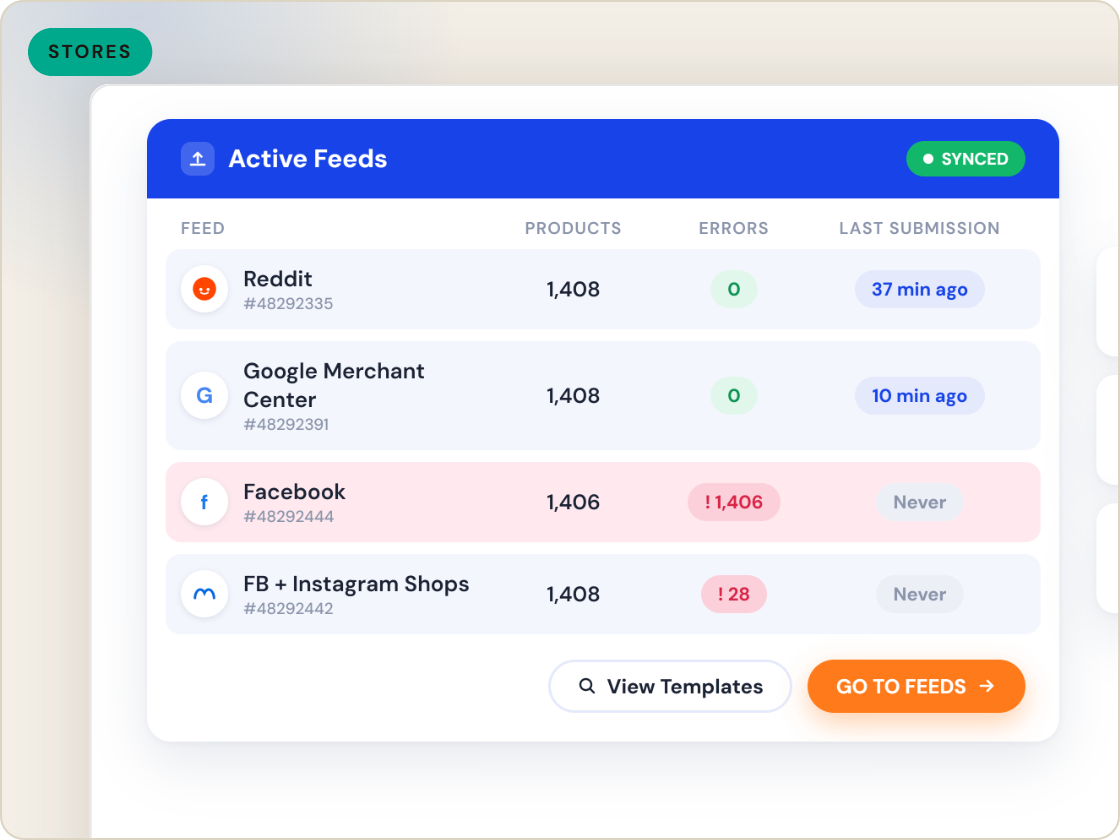
Every client feed in one account, with per-store permissions.
Benefits
The tab farm and password wallet retire.
People see the stores they should, nothing else.
One store's data and rules never bleed into another's.
A new client is a new store, not a new account.
Coverage changes are permission edits.
Cross-store status lives under one roof.
Capabilities
Each store keeps its own catalog, feeds, rules and history - isolated from the others while sharing the account.
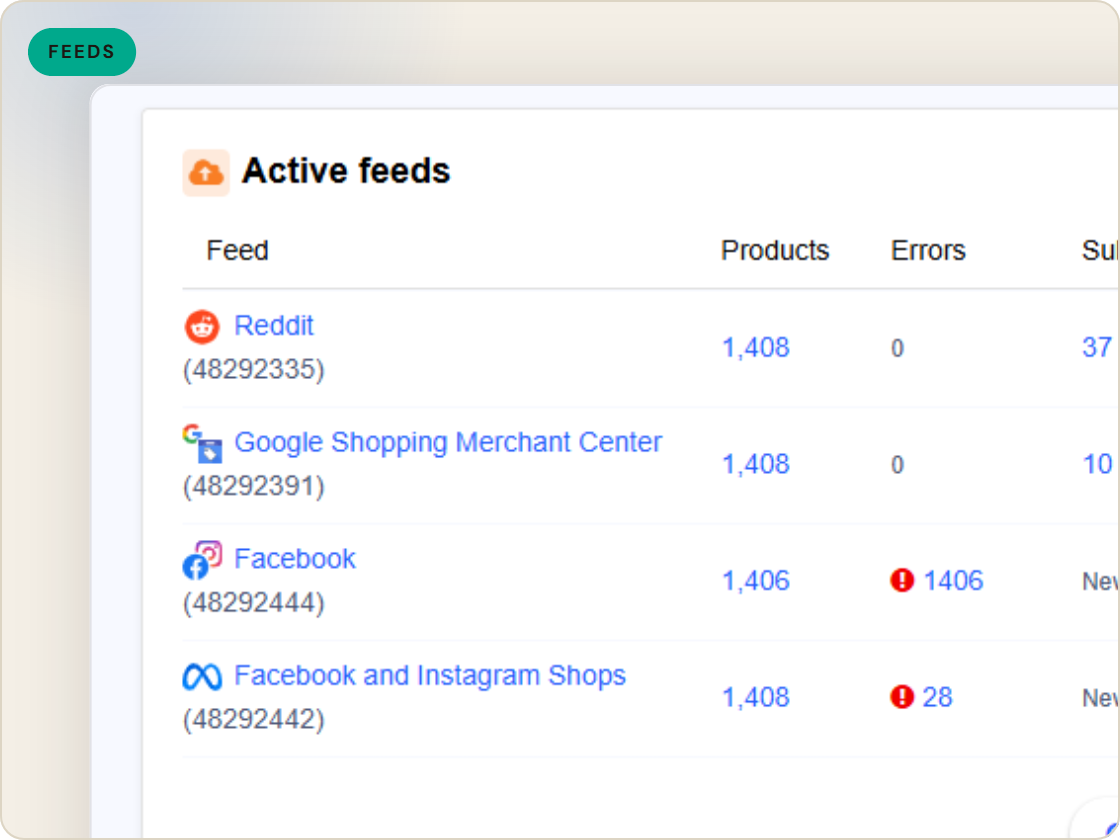
Grant teammates access to the stores they work on. A client-side user sees their store, not the book of business.
Account management covers stores, users, billing and activity logs from one place.
Feature · Teams & operations
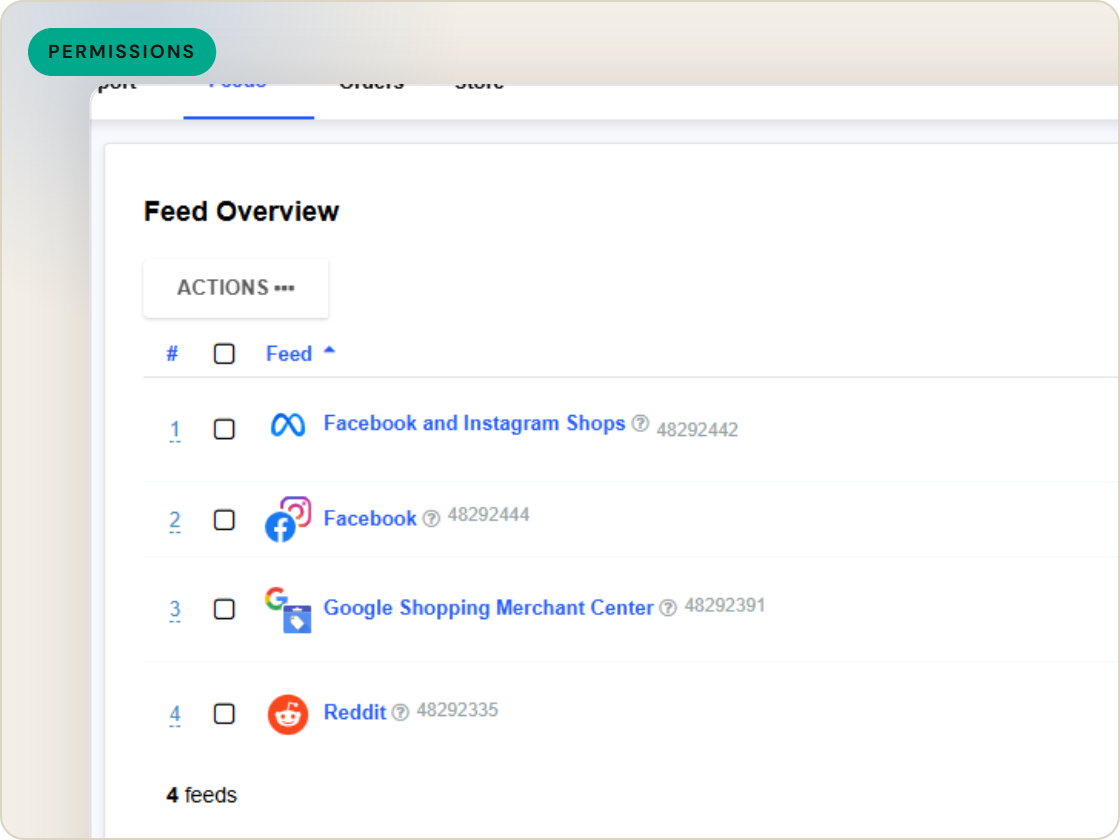
Run every client catalog from one account - separate stores, per-store users and permissions, account-level oversight of the whole portfolio.
Multi-store workspace
of six.
Manage every store in one place.
1
Ingest the catalog whole, variants intact.
2
Fix attributes once, at catalog scale.
3
Maintained mappings for 200+ integrations, current when specs drift.
4
Catch errors before they ship, while they're free.
5
Push validated feeds on schedule, price and stock current.
6
Read every channel' feed's verdict back on one screen.
Questions
Each store carries its own catalog, feeds, rules and history within the shared account - isolation by structure, not by discipline.
Yes - users are granted per-store access, so client teams and specialists see only their stores.
It's built for anyone running multiple catalogs - agencies, multi-brand retailers and teams managing regional stores.
Start a 14-day trial or book a demo — we'll audit your feed free and show you your diagnostics baseline.
Also in the box
needs.
Eligibility drops and sync failures to email or Slack, thresholds yours.
Every published version diffable — what changed, when, by which rule.
The same rulebook checks, run before publishing instead of after.
Each channel error mapped to its fix, linked from the row.
Weekly eligibility digest per store, for the people who don't log in.
Diagnostics data in your own BI, if that's where your team lives.
