




















































Platform / Features /
Image rules
Feature · Optimize & transform
Per channel, by rule.
Every channel has image opinions - aspect ratios, backgrounds, minimum sizes. Image rules assign and adjust product imagery per destination so the catalog's images meet each spec without a reshoot.
The difference
Without GoDataFeed
With GoDataFeed
How it works
Meet each channel’s image spec - square for Meta, white for Amazon.
Benefits
Geometry and format failures get handled before submission.
Marketplace listings and social ads each get suitable shots.
Existing imagery gets adapted to spec instead of replaced.
Each channel's image requirements are written down and enforced.
Image handling applies to every product at once.
Image adjustments live in the feed layer.
Capabilities
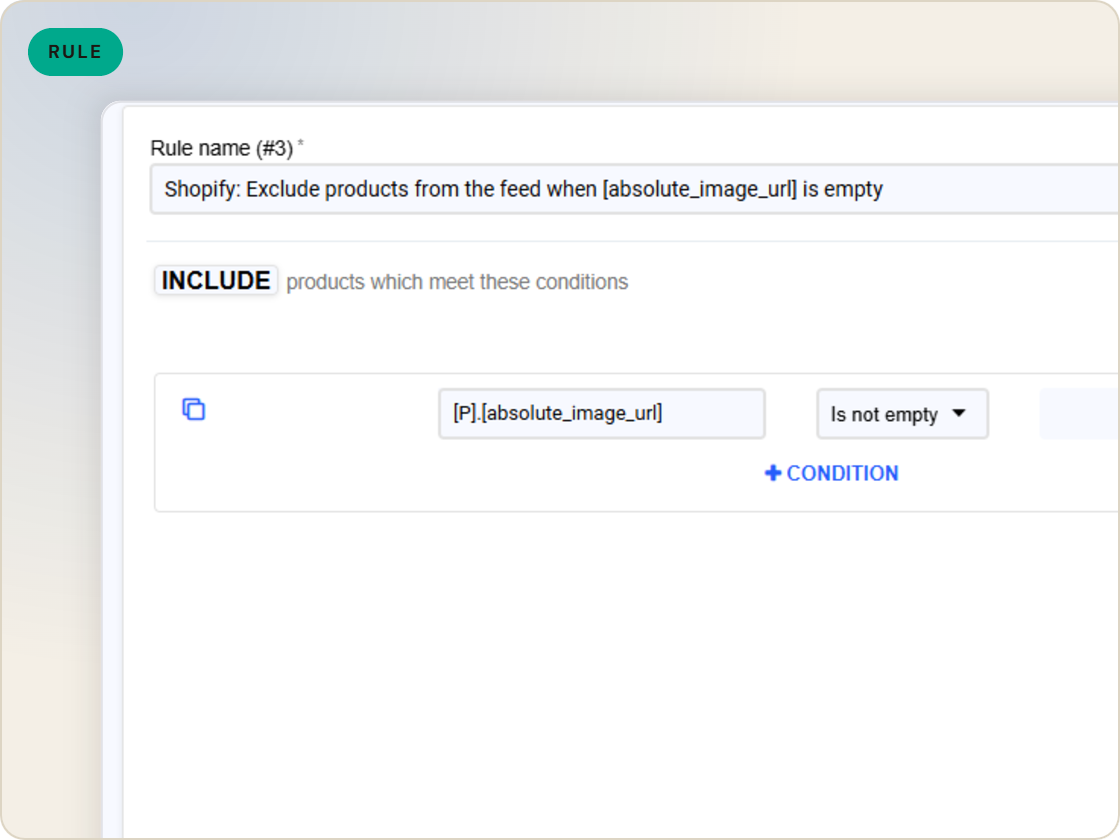
Choose which image field each channel receives - the main shot for one, the lifestyle alternate for another - by rule, per feed.
Meet aspect-ratio and format requirements like Meta's square crop so listings stop failing on image geometry.
When the preferred image is missing or non-compliant, rules can route a compliant alternate instead of shipping a gap.
Feature · Optimize & transform
Assign and adjust product images per channel - square for Meta, white background for Amazon - with fallback logic when a shot won’t pass spec.
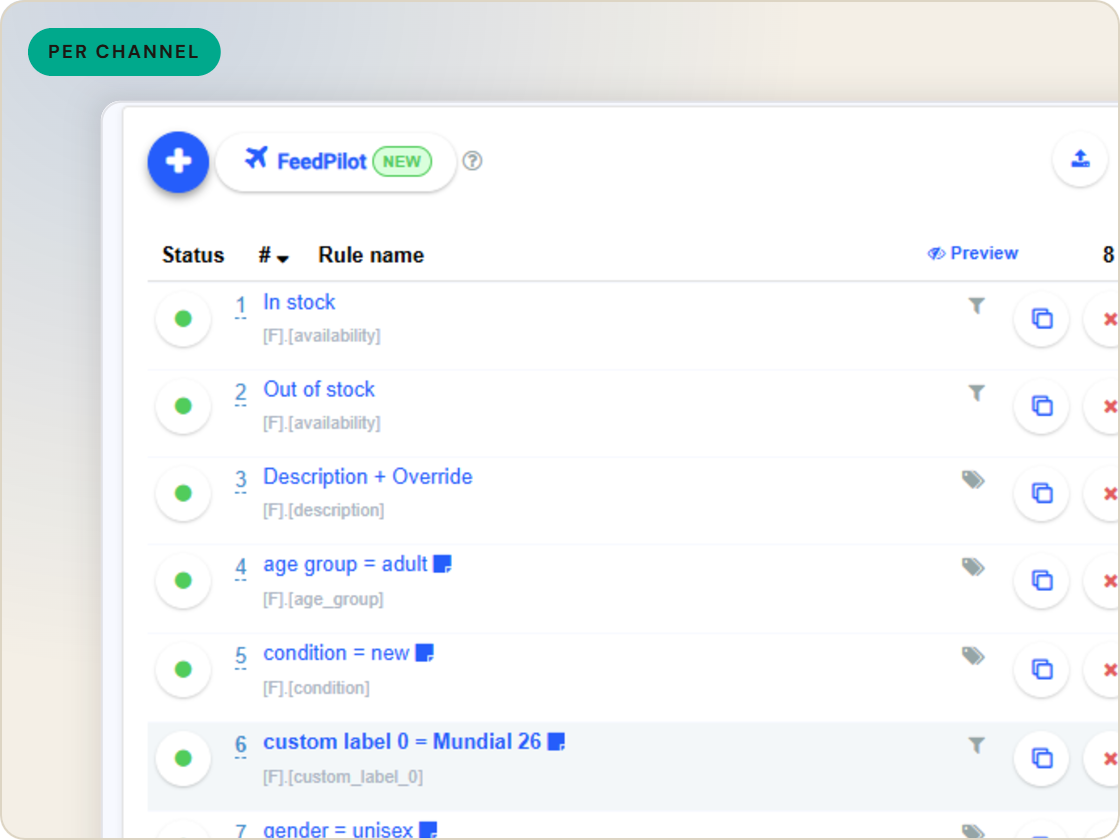
Image rules
of six.
Choose and order images by rule.
1
Ingest the catalog whole, variants intact.
2
Fix attributes once, at catalog scale.
3
Maintained mappings for 200+ integrations, current when specs drift.
4
Catch errors before they ship, while they're free.
5
Push validated feeds on schedule, price and stock current.
6
Read every channel' feed's verdict back on one screen.
Questions
Assignment and format concerns - which image each channel gets, aspect-ratio fit, and compliant fallbacks when the preferred shot won't pass.
Yes. Image selection is per feed, so Meta can receive the square lifestyle shot while Amazon gets the white-background product shot.
Rules can route an alternate image field, so the listing ships with a compliant image instead of an error.
Start a 14-day trial or book a demo — we'll audit your feed free and show you your diagnostics baseline.
Also in the box
needs.
Eligibility drops and sync failures to email or Slack, thresholds yours.
Every published version diffable — what changed, when, by which rule.
The same rulebook checks, run before publishing instead of after.
Each channel error mapped to its fix, linked from the row.
Weekly eligibility digest per store, for the people who don't log in.
Diagnostics data in your own BI, if that's where your team lives.
