




















































Platform / Features /
Custom exports
Feature · Map & syndicate
Same catalog behind it.
Sooner or later a partner wants their own file - their columns, their headers, their format. Custom exports build it from the same catalog that feeds every other channel, without another tool.
The difference
Without GoDataFeed
With GoDataFeed
How it works
Any format, any schema - CSV, XML, API, or a partner’s house spec.
Benefits
Partner requests stop being engineering projects.
Custom files carry the same corrected data as your channels.
Transforms and filters work on custom exports too.
Delivery happens on cadence without a human trigger.
Retire the fragile one-off exporters.
A new spec is a new mapping, not a new system.
Capabilities
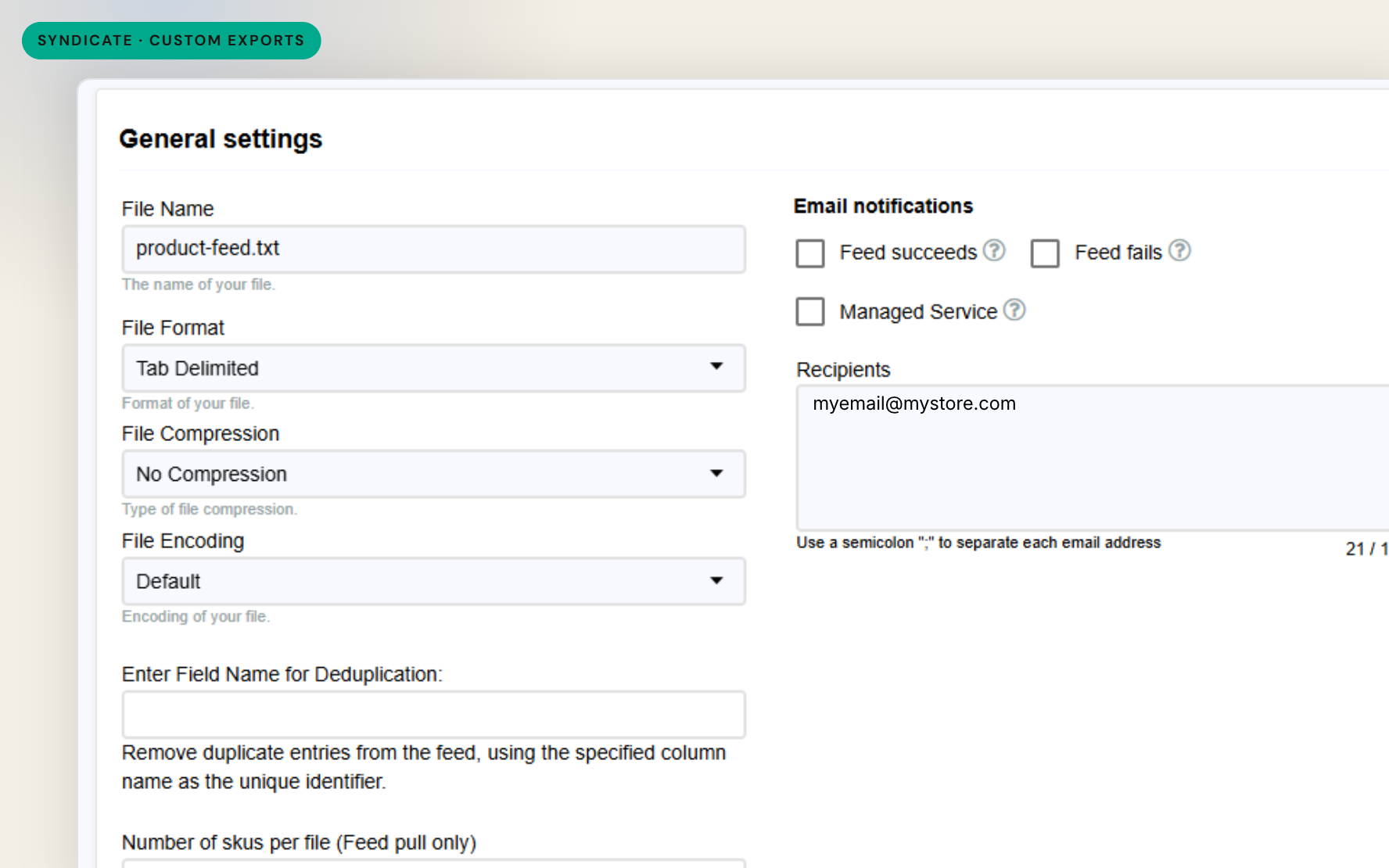
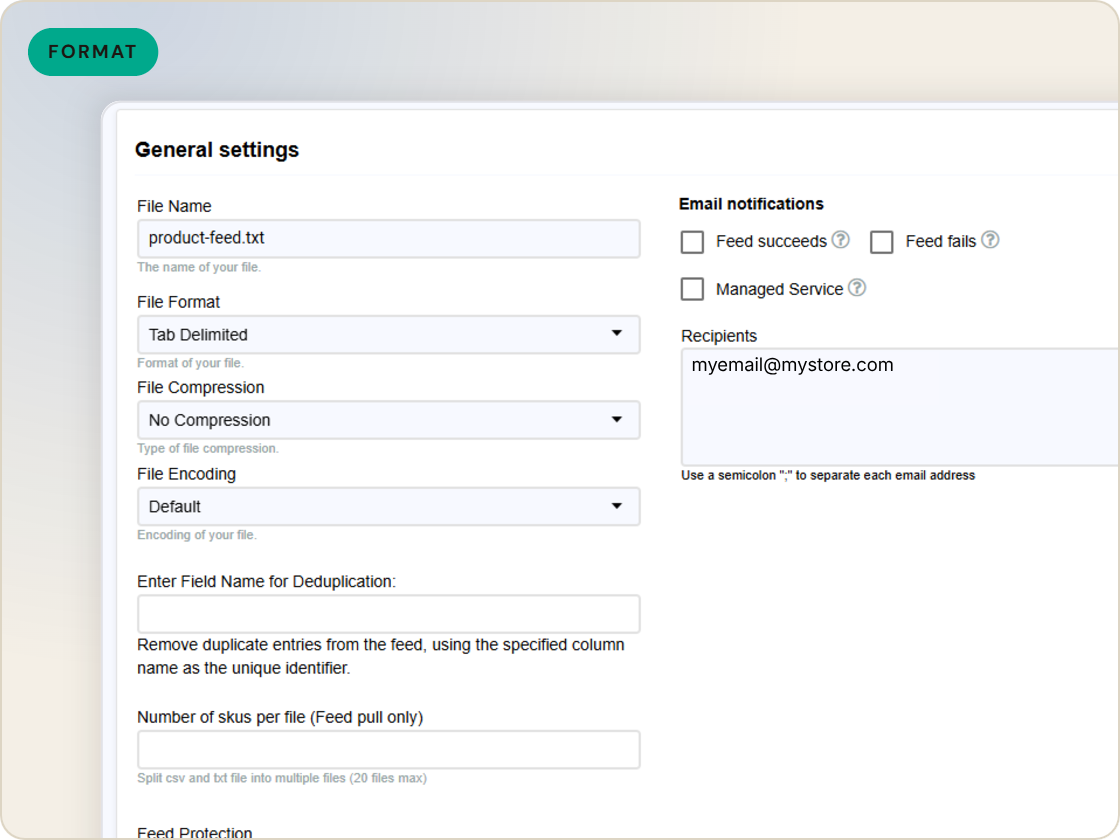
CSV, tab-delimited, XML - built to the structure the recipient defines, headers and all.
Their column names, their value formats, their required fields - mapped from your catalog the same way a channel template maps to Google.
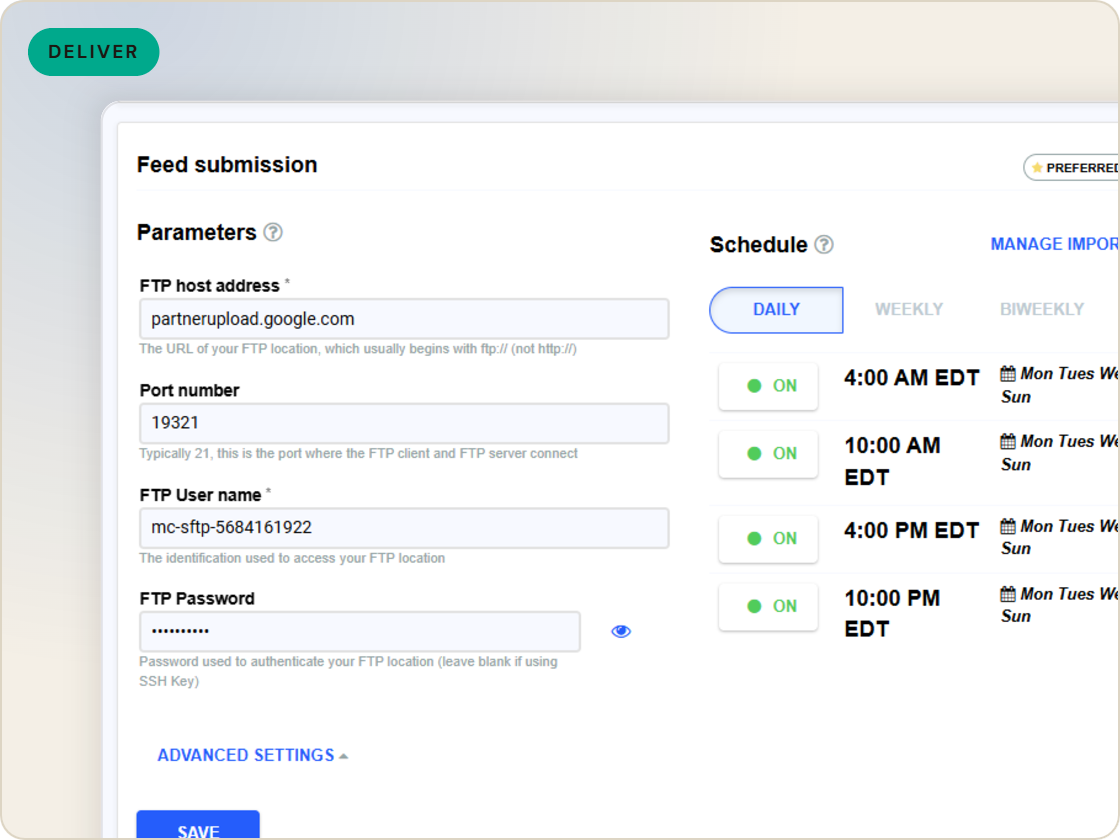
Custom exports compile and deliver on schedule like any other feed, so the partner file stays as current as the catalog.
Feature · Map & syndicate
Build partner-spec files from the same catalog that feeds your channels - custom columns, custom formats, delivered on schedule.
Custom exports
of six.
Export feeds in any format.
1
Ingest the catalog whole, variants intact.
2
Fix attributes once, at catalog scale.
3
Maintained mappings for 200+ integrations, current when specs drift.
4
Catch errors before they ship, while they're free.
5
Push validated feeds on schedule, price and stock current.
6
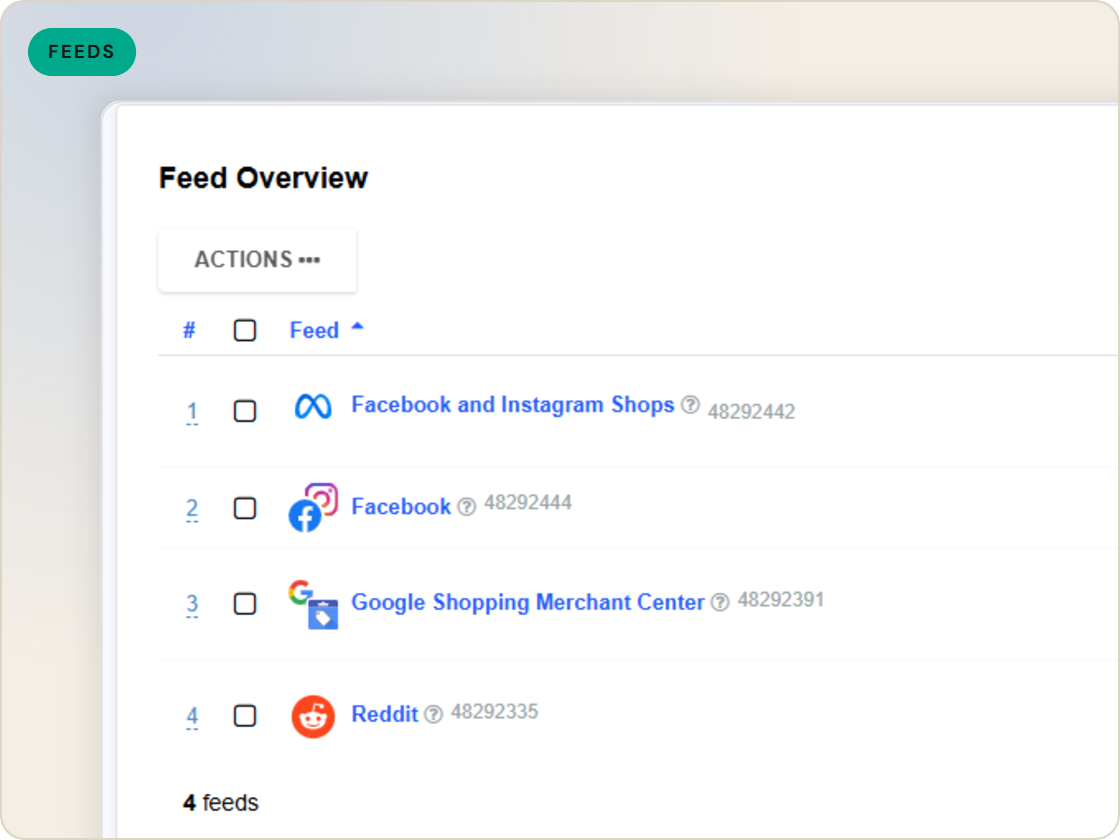
Read every channel' feed's verdict back on one screen.
Questions
Delimited files and XML shaped to the recipient's schema - their headers, their structure.
Yes. A custom export is a feed - it inherits the catalog's rules, filters and import freshness like any channel.
On schedule, like other feeds - compiled from the latest import and sent to the destination you configure.
Start a 14-day trial or book a demo — we'll audit your feed free and show you your diagnostics baseline.
Also in the box
needs.
Eligibility drops and sync failures to email or Slack, thresholds yours.
Every published version diffable — what changed, when, by which rule.
The same rulebook checks, run before publishing instead of after.
Each channel error mapped to its fix, linked from the row.
Weekly eligibility digest per store, for the people who don't log in.
Diagnostics data in your own BI, if that's where your team lives.
