





















































Onsite & martech
reads from a catalog.
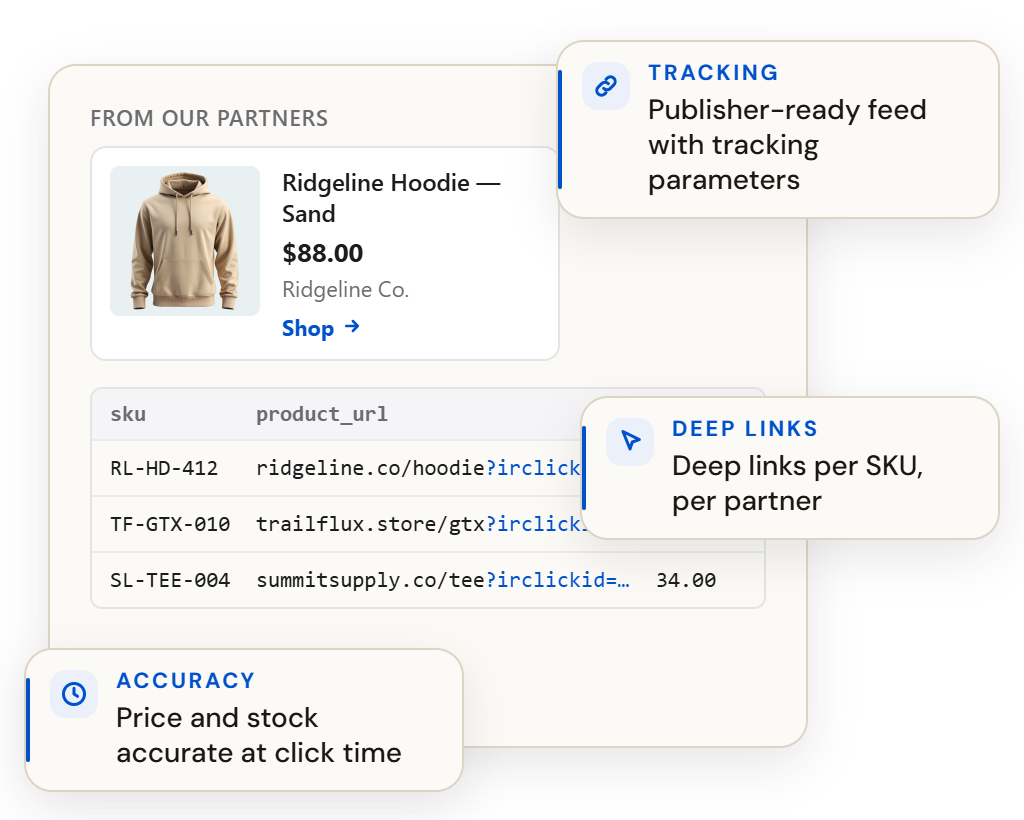
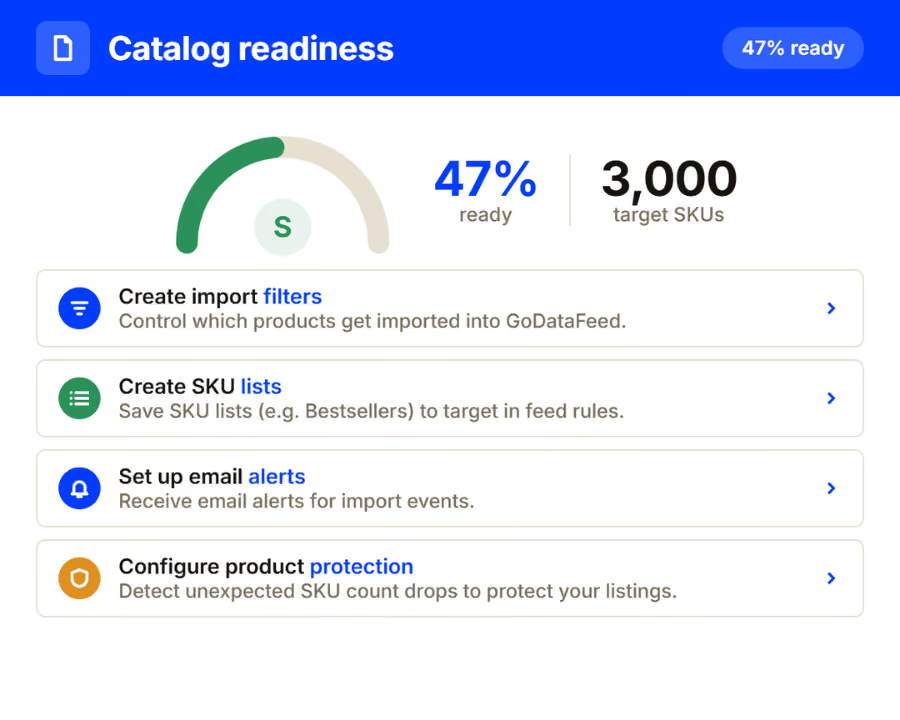
Klaviyo pulls product data into flows, recommendations and back-in-stock triggers. GoDataFeed keeps that catalog complete and current - so the email always matches the store it links to.
Why it matters
What it rewards
What it needs from your feed
Why the catalog matters
An abandoned-cart email quoting the wrong price, a recommendation for a sold-out SKU, a hero image that never loads - none of these are Klaviyo problems. They are catalog problems arriving by email.
Scheduled updates keep product blocks aligned with what your store charges and can sell.
Categories and product fields populated, so segments and recommendations cut the way you intend.
Formats validated and links verified, so emails render clean and clicks land on live pages.
The same governed catalog behind your ad channels powers your email and SMS flows.
How it works
01
Your full catalog imports automatically with variants, pricing and inventory.
02
Rules normalize categories and fill the fields flows and recommendations read.
03
Catalog changes flow to Klaviyo automatically, keeping every flow current.
Thirty minutes, live, on your data — the mapping, the rules, the validations, the fix list. Or watch the demo tour first: the recorded version, no meeting required.
1
governed catalog behind email, SMS and every ad channel.
60+
channels the same catalog can feed.
0
flows quoting prices your store no longer charges.
Questions, answered
What data does Klaviyo pull?
Titles, images, prices, availability, URLs and category attributes from your catalog - delivered structured and current.
Why are recommendations showing dead products?
Recommendations mirror the catalog. Stale availability keeps sold-out SKUs in rotation - scheduled syncs remove them.
How current is the data?
As current as your schedule. Price and stock changes flow through automatically.
Go deeper
At a glance
Type
Channel
Connection
Feed format
Refresh
Order sync
No
Plan
Identity key
Before you start
Note
GoDataFeed optimizes, enriches, validates, and keeps your product data in sync across Google, Meta, marketplaces, and AI shopping.
