





















































Amazon product listing variations allow sellers to list all related products under one listing. Not only does this promote a better search result experience for shoppers, it also makes it easier for them to browse between product options.
Not all categories support product variations, so you’ll need to check your category on Amazon.
For those categories with variations, there are supported variation themes, which defines how the products are related to each other (i.e. size, color). If you sell a product that varies by something other than a supported variation theme, you won’t be able to list it as a variation using that attribute. To view the supported variation themes, you’ll need to download the appropriate inventory file template and reference the Valid Values tab.
Parent-child relationships can be created through inventory file templates or through the Add a Product Tool.
We've broken out a brief overview of what to include when adding variations via the inventory file template.
After you download the inventory file template, you will use it to create the parent and child SKUs.
Once complete, you’ll upload the inventory file template to your Amazon account. For Amazon’s full instructions on how to set up variations, click here.
Not surprisingly, variations are very common in the Clothing & Accessories category as items typically come in multiple sizes and colors.
The variation themes available to clothing sellers are size, color, or color-size (meaning the item comes in both multiple sizes and colors).
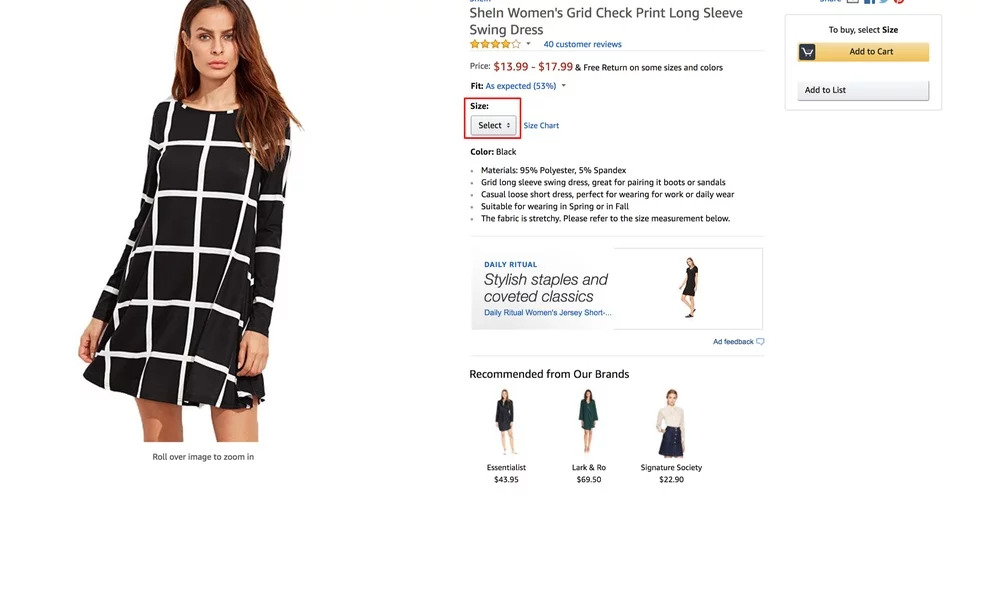
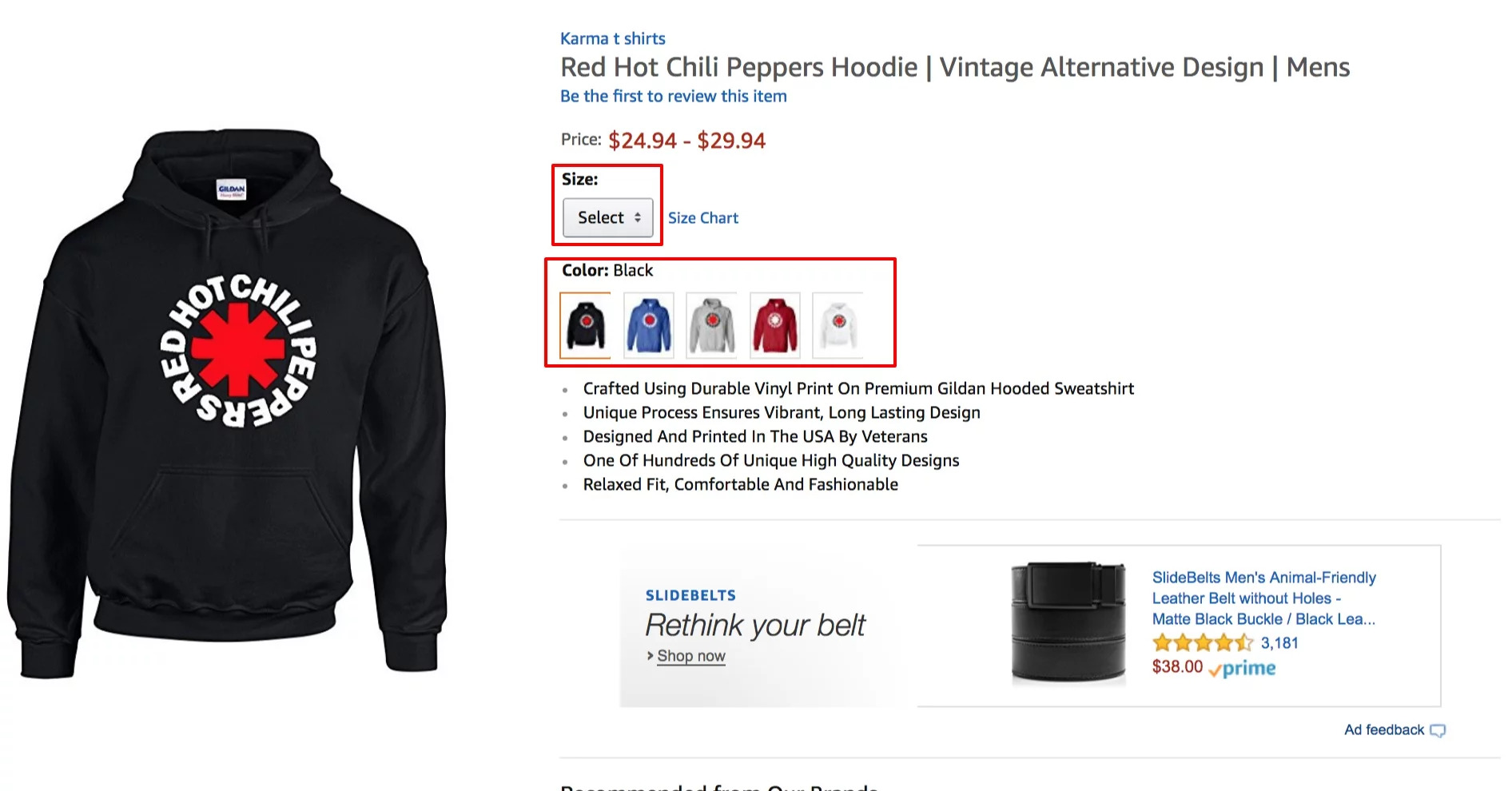
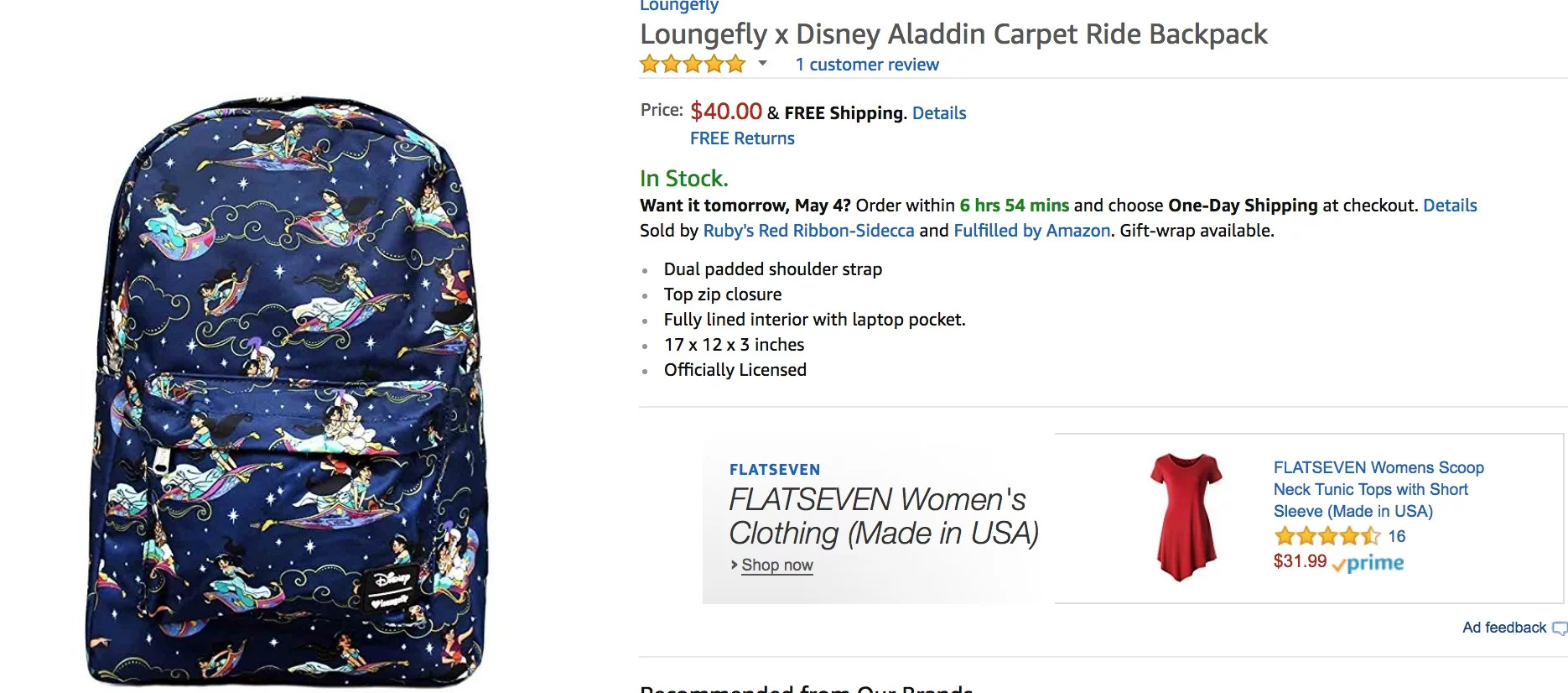
If you are selling a product that fits Amazon’s definition of a variation, then setting up the listing with using parent-child relationships may be beneficial. It creates a better overall customer experience and gives shoppers the ability to easily see the different product options.
Having trouble setting up variations? Talk to one of our feed experts today.
Nicole is an ecommerce specialist who works with hundreds of Amazon sellers and Google merchants across various industries to optimize and update their product listings and data feed campaigns. In her spare time, she enjoys traveling, soaking up the rays in sunny South Florida and reading thrillers while curled up with her dog, Hamlet.
Run a free feed audit and see which of your titles are matching queries you'd never choose to bid on.

.avif)