




















































Platform / Features /
Pre-submission validation
Feature · Validate & monitor
While errors are free.
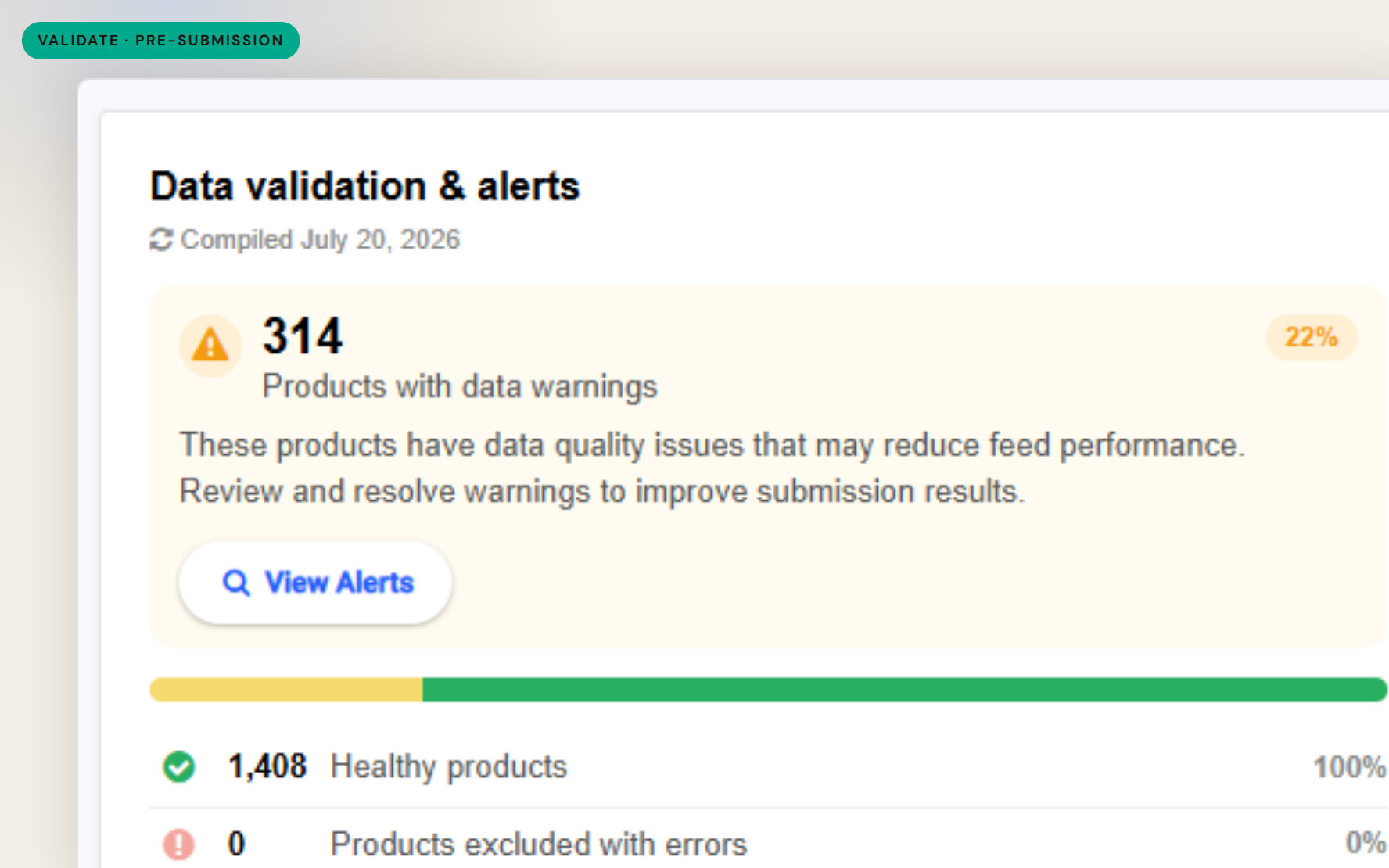
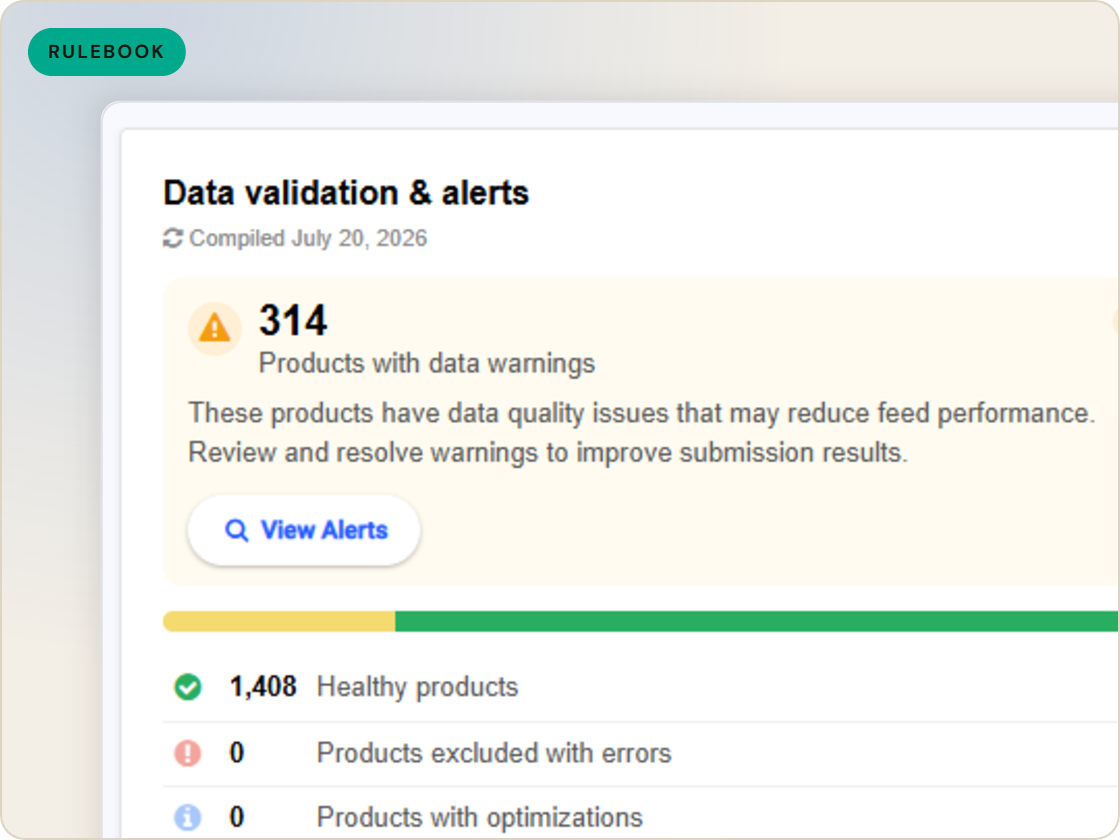
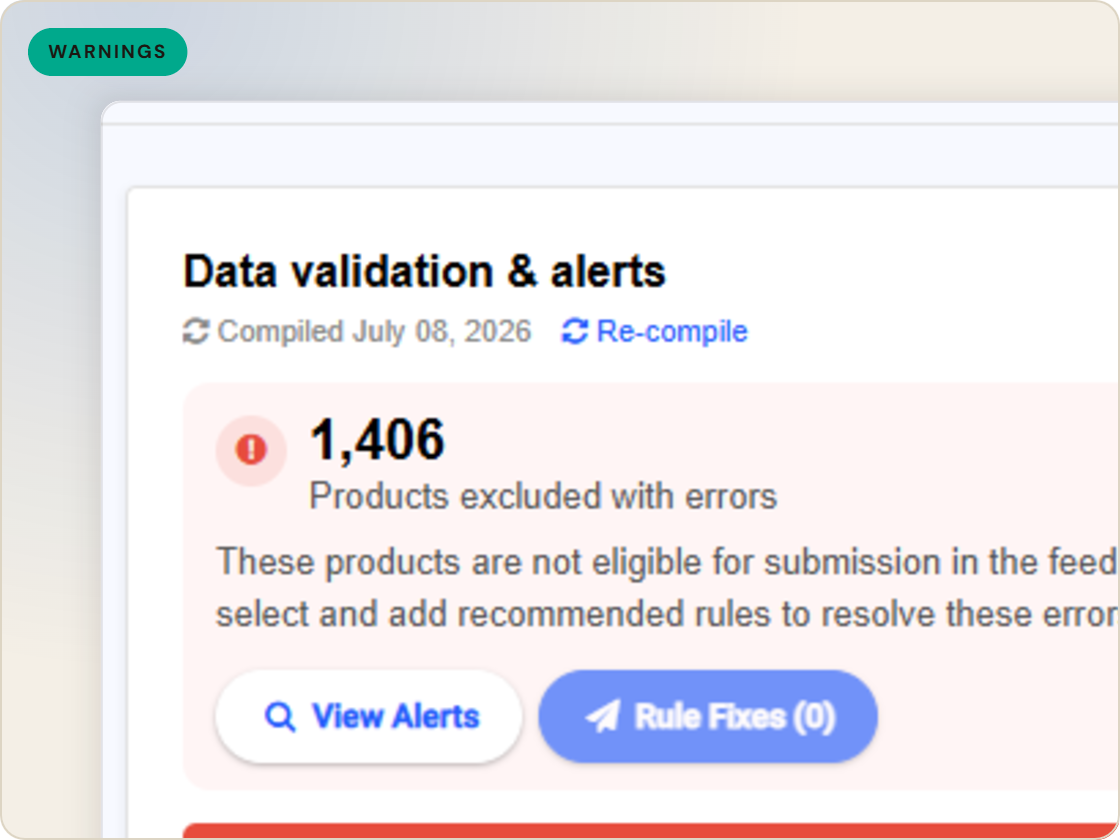
Every compile runs the destination's rulebook over every SKU - required fields, formats, values. Problems surface inside GoDataFeed as errors and warnings, not inside Merchant Center as disapprovals.
The difference
Without GoDataFeed
With GoDataFeed
How it works
Channel rulebook checks on every SKU, before publishing.
Benefits
An error caught pre-submission never costs eligibility.
Channels receive data that already passed their rules.
Problems point at fields, not at mystery rejections.
Every compile re-checks the whole feed.
Quality issues surface before they cost placement.
New channels go live pre-checked.
Capabilities
Validation runs the destination's requirements - required fields, formats, accepted values - against every SKU in the compiled feed.
Hard failures that block products are separated from warnings that cost quality, so the fix order is obvious.
Checks run each time the feed compiles - new products and new data get the same scrutiny as the launch batch.
Feature · Validate & monitor
Run each channel’s rulebook over every SKU before publishing - errors and warnings surface in-platform, not as channel disapprovals.
Pre-submission validation
of six.
Catch errors while they're free.
1
Ingest the catalog whole, variants intact.
2
Fix attributes once, at catalog scale.
3
Maintained mappings for 200+ integrations, current when specs drift.
4
Catch errors before they ship, while they're free.
5
Push validated feeds on schedule, price and stock current.
6
Read every channel' feed's verdict back on one screen.
Questions
The destination channel's requirements - required fields, data formats and accepted values - across every SKU in the compiled feed.
On every feed compile, so validation keeps pace with catalog changes instead of checking once at setup.
Errors block products from submitting successfully; warnings flag quality issues that can cost performance. Both are listed for fixing.
Start a 14-day trial or book a demo — we'll audit your feed free and show you your diagnostics baseline.
Also in the box
needs.
Eligibility drops and sync failures to email or Slack, thresholds yours.
Every published version diffable — what changed, when, by which rule.
The same rulebook checks, run before publishing instead of after.
Each channel error mapped to its fix, linked from the row.
Weekly eligibility digest per store, for the people who don't log in.
Diagnostics data in your own BI, if that's where your team lives.
