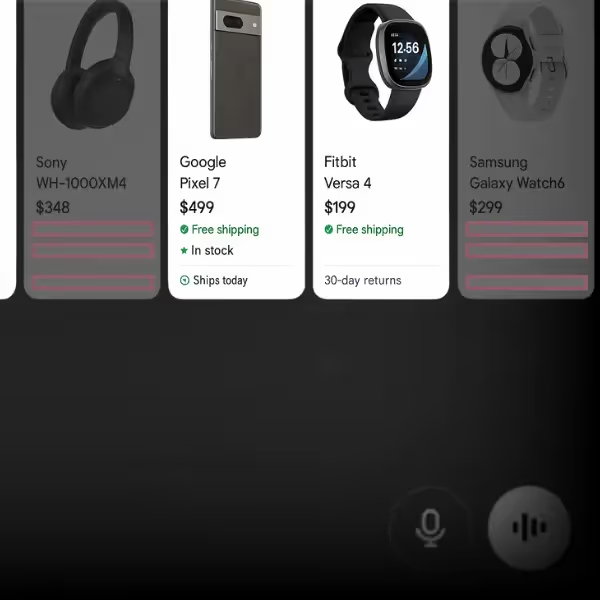
Structured data errors don’t trigger obvious warnings. There’s no red flag in your ad account or a dropped rank in your SEO dashboard. But if your product pages have broken or missing schema, they quietly become ineligible for rich results like:
These aren’t just visual perks — they directly impact visibility, CTR, and conversion rates.
When most ecommerce teams see a drop in product impressions, they look at:
But structured data issues often slip through unnoticed. Unlike policy violations or feed rejections, broken schema just removes you from eligibility. You don’t get penalized — you just disappear.
Here’s how broken or incomplete structured data can quietly suppress performance:
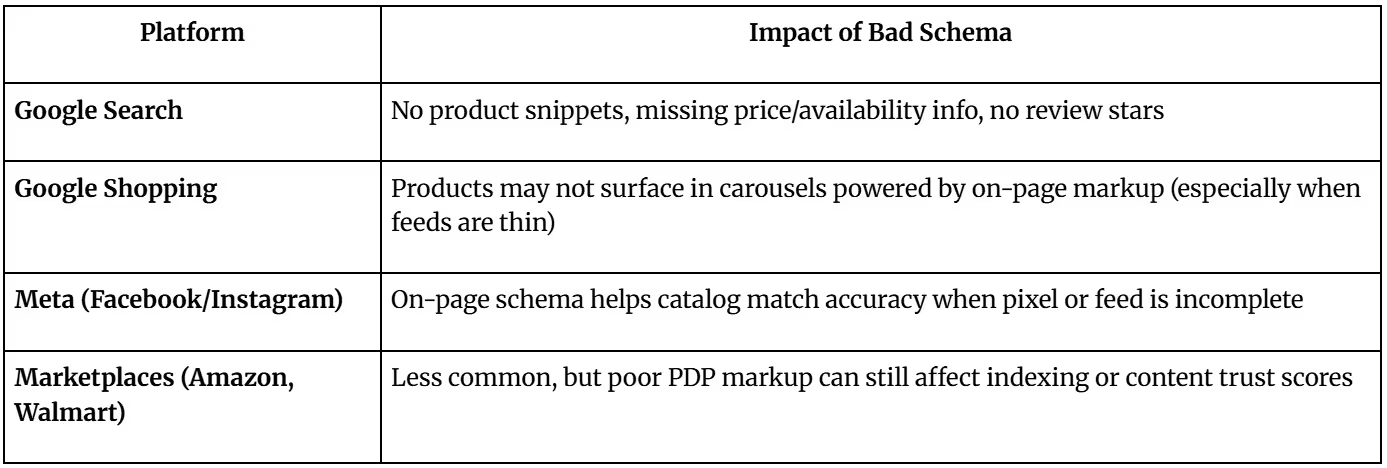

You might see pages flagged as “blocked” in tools like Google’s Rich Results Test or Structured Data Testing Tool. This doesn’t mean your product is banned — it means Google can’t trust your markup enough to show your listing with full enhancements.
This is especially damaging if:
Once you've identified what’s wrong with your schema, the next challenge is fixing it — without writing JSON-LD from scratch or waiting on a dev sprint. With a few precise prompts, ChatGPT can rewrite your markup to pass Google's tests and restore rich result eligibility.
ChatGPT works best with clear, contextual instructions. Use prompts that tell it what the markup is for, what the goal is, and what tool it's meant to pass.
Prompt:
“Rewrite this Product JSON-LD so it passes Google’s Rich Results Test. Make sure it includes required fields like name, image, description, offers, brand, and sku. Format it using application/ld+json and the schema.org vocabulary.”
Then paste in your broken schema block.
Missing brackets, commas, or incorrect nesting.
e.g., using "InStock" instead of "https://schema.org/InStock".
ChatGPT can add offers, price, availability, brand, and image automatically based on your input.
It will convert plain text into proper URLs, numbers, or structured values.
After ChatGPT rewrites your schema, run the new version through:

You want to see:
Don’t implement blindly — always test before deployment. ChatGPT helps generate valid schema, but validation tools are your source of truth.
Once validated, here’s where to apply the fixed markup:
Fixing your schema is step one — getting Google to recognize and reflect those changes is step two. This part trips up a lot of teams: the fix is done, but nothing changes for days (or even weeks). That’s normal.
If you previously had structured data errors or invalid pages flagged in GSC under Enhancements > Products, you may see a “Validate Fix” button. Click it to trigger a re-crawl and validation.
If your schema issues triggered a manual action (rare), go to:
Search Console > Manual Actions > Request Review
Here, Google expects you to explain:
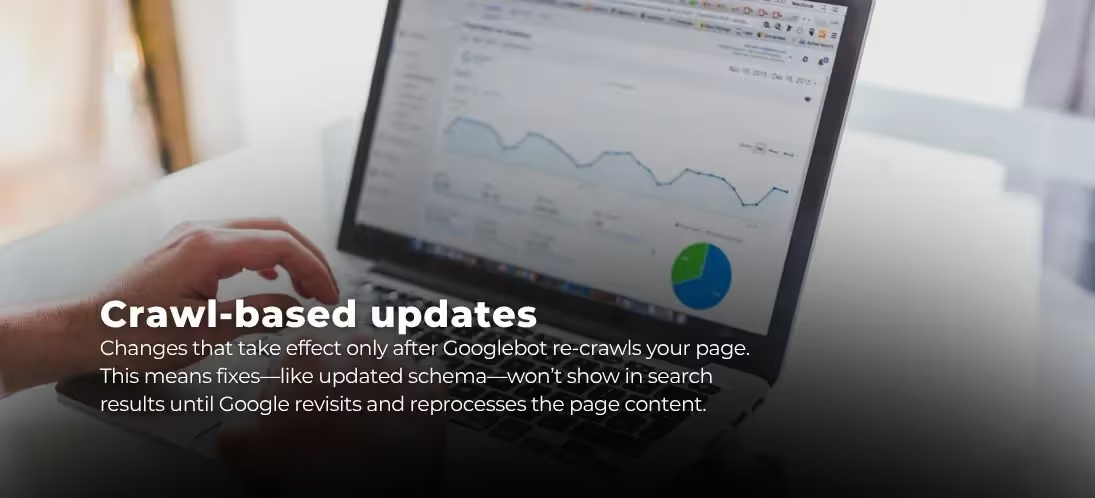
Google won’t restore rich result eligibility instantly — even with a clean fix.
Be patient, but monitor. The changes won’t show overnight — but if nothing happens in 2–3 weeks, you may need to revalidate or investigate further.
Here’s how to know your schema fix worked:
Structured data errors are fixable — but only if you know where to look. Most ecommerce teams aren’t dealing with a traffic problem or a budget issue. They’re dealing with missing schema, broken markup, or disqualifications they never saw coming.
Now you have the tools — and the prompts — to fix that yourself.
You’ll likely find more issues than you expected — especially if you’ve switched themes, installed plugins, or inherited a messy CMS.
If you’re managing thousands of SKUs, marketplaces, and variant structures, one-off schema fixes don’t scale. That’s where GoDataFeed comes in.
Our platform gives you feed-level control over product data — including the structured data that drives eligibility across Shopping, SEO, and marketplace listings.
Structured data is a visibility multiplier. So it makes sense that now, it's something marketers can own.
In this post
Bryan is a digital marketer with roots in journalism and creative writing. Over the past decade, he's helped hundreds of online retailers develop and implement ecommerce marketing strategies. When he isn't educating retailers on ecommerce, he's out exploring South Florida and stalking local breweries.
Run a free feed audit and see which of your titles are matching queries you'd never choose to bid on.